View a Case Template
The View option allows you to see more detailed information than is available on the main Case Templates panel.
|
|
 PREREQUISITES:
To view the details of a case template, follow these steps:
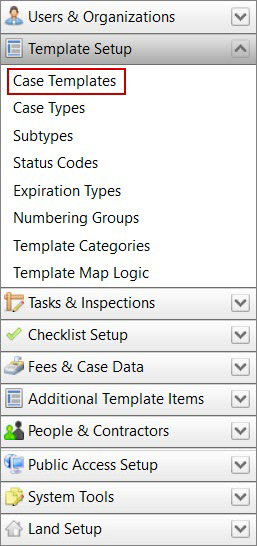
- Click Template Setup on the PLL Admin menu panel and select Case Templates.
- On the Case Templates panel, select the check box next to the case template you wish to view, then click View record at the top of the panel.
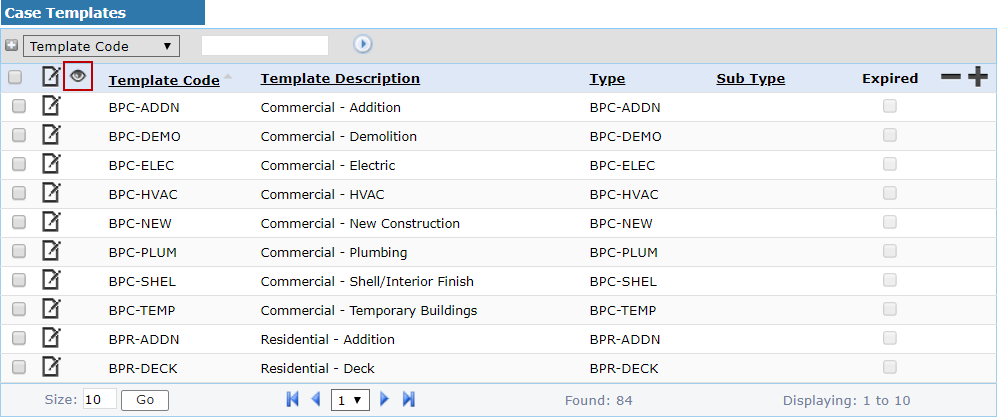
 NOTE: Search or filter the records on this panel to quickly find the one(s) you want. See Search and Filter Records for more information.
- The View: Case Template panel displays all the basic information about the template.
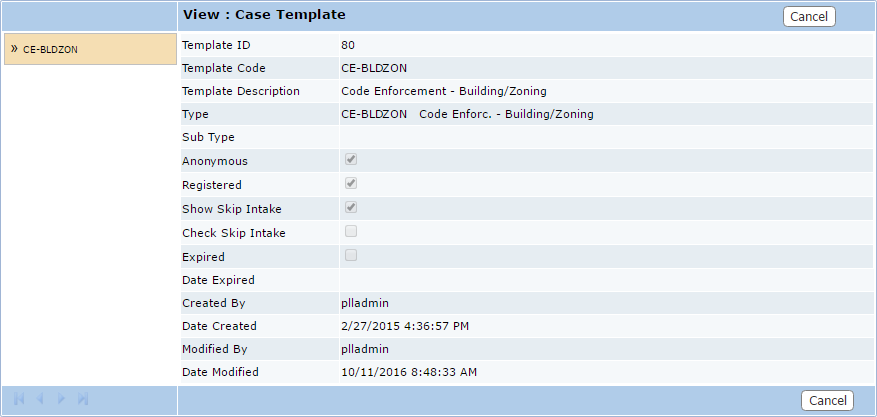
- Click Cancel to close the View: Case Template panel.