Configure Rounding Options for Fees
PLL administrators can control if and how fees are rounded in PLL.
|
|
 PREREQUISITES:
To configure these specifications, follow these steps:
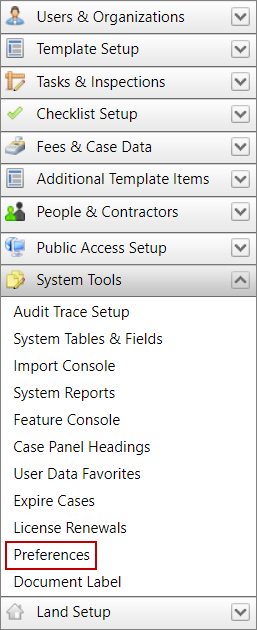
- Click System Tools on the PLL Admin menu panel and select Preferences.
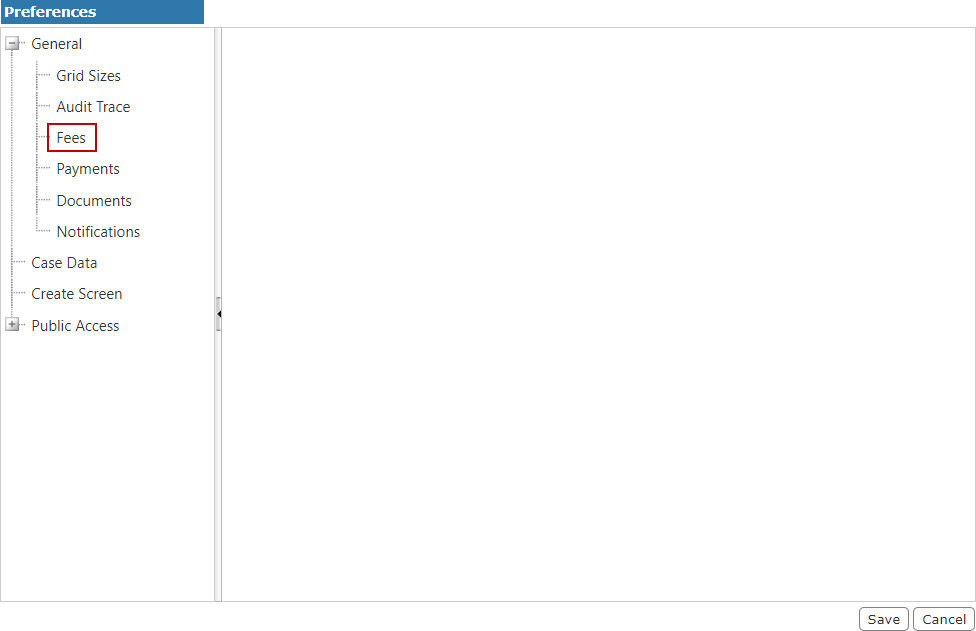
- Select Fees from the General section under Preferences.
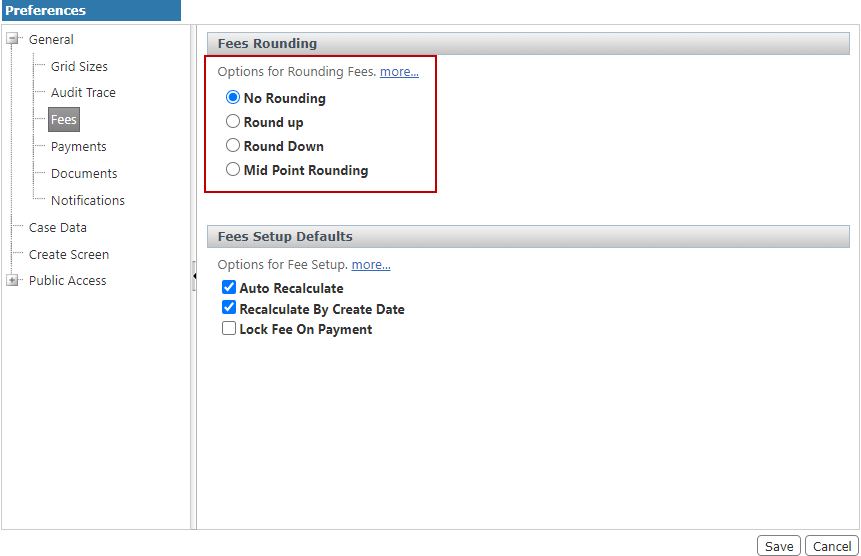
- Under Fees Rounding, select the option button next to the rounding option you prefer.
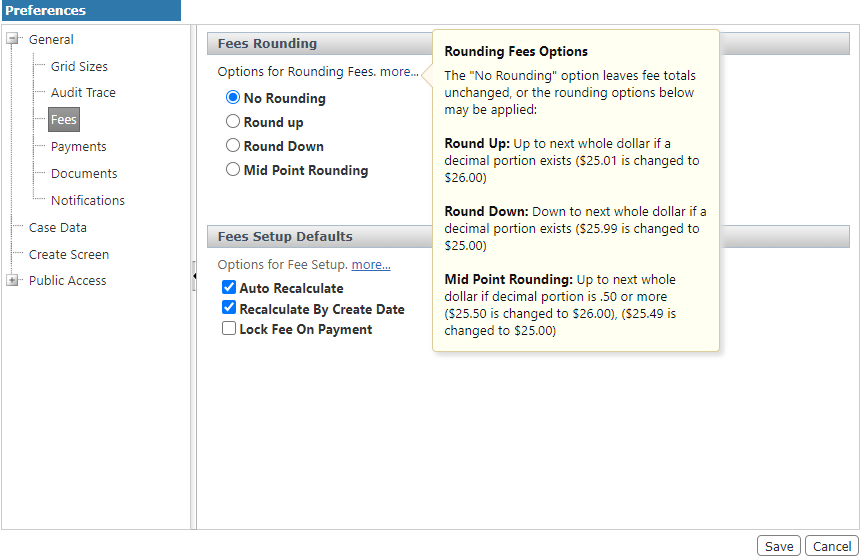
- For more information about the options, hover over more.
- Click Save.