Remove a Violation Code
A violation code may need to be removed from the system from time to time. Doing so must be done carefully or could cause errors. This section will discuss how to remove a violation code safely.
|
|
 PREREQUISITES:
 IMPORTANT: While it is possible to delete a violation code, we strongly discourage you from doing so. Deleting a violation will cause errors for any users associated to that violation code.
If a violation code has not been associated with one or more cases, you can delete it by following these steps:
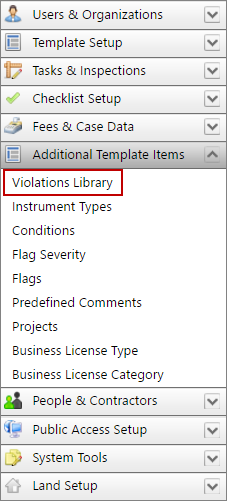
- Click Additional Template Items on the PLL Admin menu panel and select Violations Library.
- On the Violations panel, select the check box next to the violation you wish to delete, then click Delete record at the top of the panel.
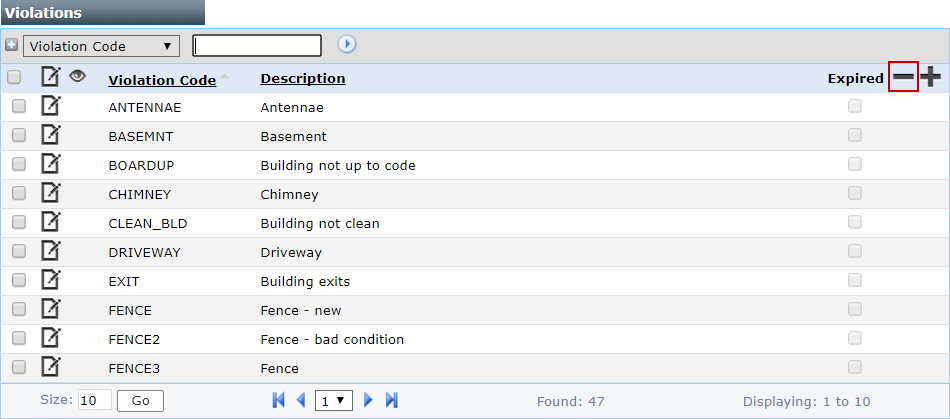
 NOTE: Search or filter the records on this panel to quickly find the one(s) you want. See Search and Filter Records for more information.
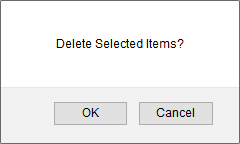
- When the message box appears, asking if you want to delete the selected item(s), click OK.
If the violation code has been associated with one or more cases, you can safely expire the violation code by following these steps:
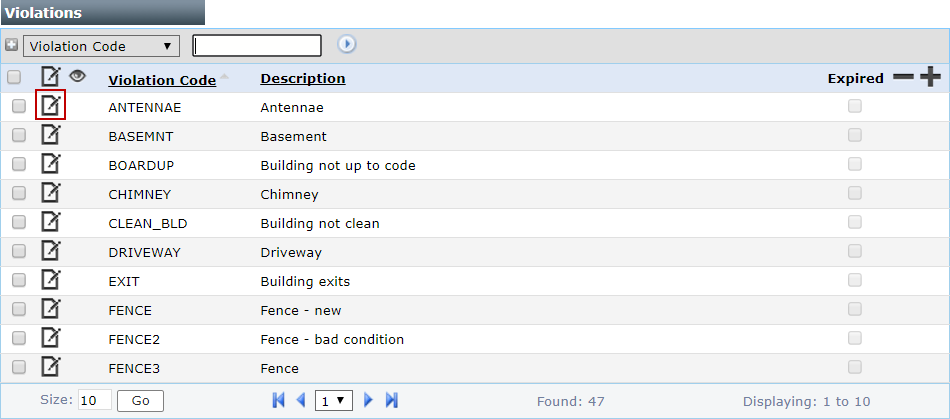
- On the Violations panel, click Edit record next to the violation you wish to remove.
- When the Edit: Violations panel opens, select the Expired check box.
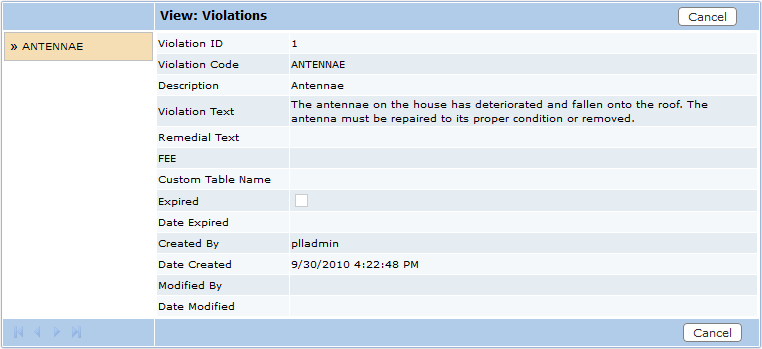
- Click Save.