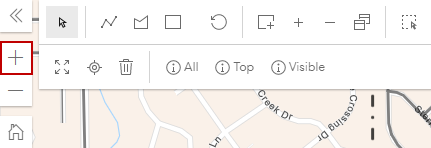
In
Users can zoom in on the map. The Navigation map tool is a floating panel on the map. See Navigation Fields for more information on this panel.
 TIP: You can also scroll up using the mouse on a desktop computer or touch the area with two fingers and spread them apart on a tablet device. If you have a keyboard, press Shift and drag a rectangle over a specific area you want to zoom in to.