Add a Widget
You can add a widget to specific layouts. These widgets allow you to integrate with third parties.
|
|
 PREREQUISITES:
 IMPORTANT: Adding and configuring a widget is currently available for the Case Summary,
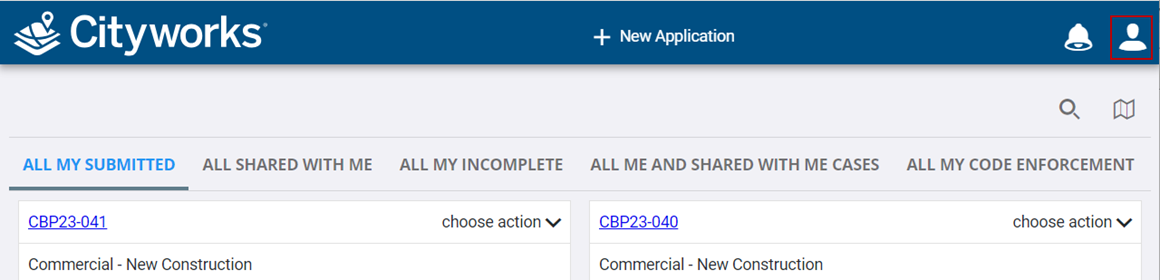
- Open the User menu.
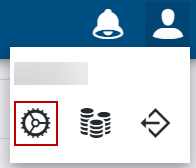
- Click Admin.
- Click the Layout tab.

 From the Widget Slots Panel
- Select the page
Notice the Widget Slots panel populates. The Widget Slots panel shows any containers or "areas" (for a specific layout) that has been enabled (by a Cityworks developer) where a widget can be added.
- Select the widget slot you want to add a widget to.
- Click Add Widget.
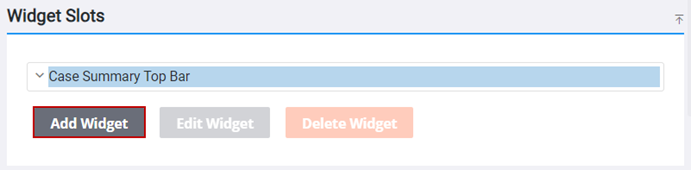
- Select the widget placeholder in the panel and click Edit Widget.
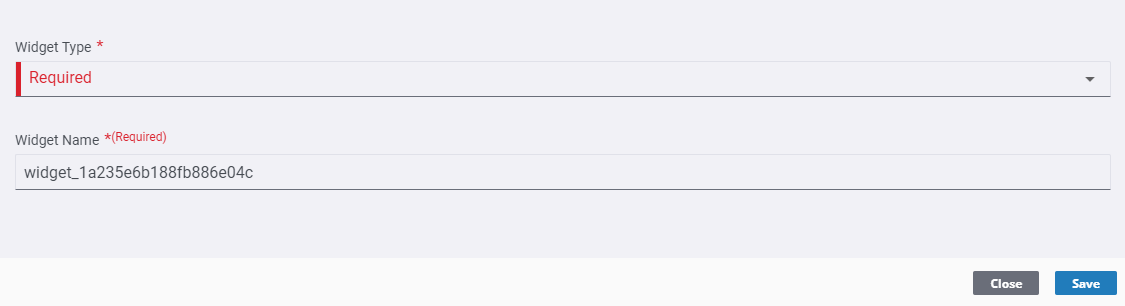
The Widget Configurator panel opens.
- Select the Widget Type: HTML
- Enter the Widget Name. This is what the users will see in the
 NOTE:
NOTE:
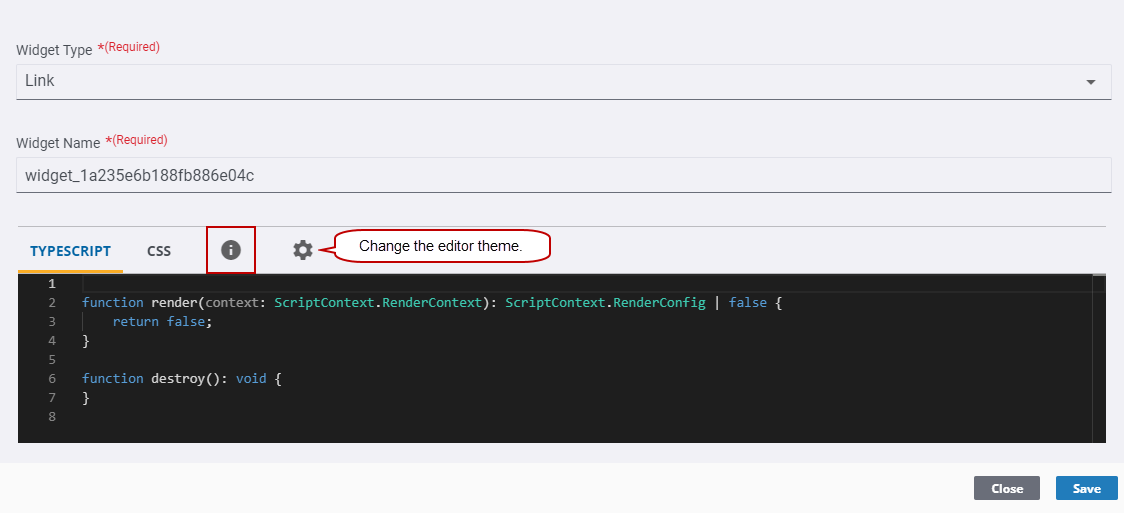
- Enter the code in the Typescript field. You can copy and paste the example code from the information icon, but don't forget to change the code (i.e., URL or Type (icon) to what you need).
- Use the CSS field to style your Typescript code.
NOTE: Intellisense is available in the Typescript and CSS fields and allows you to easily create and complete your code.
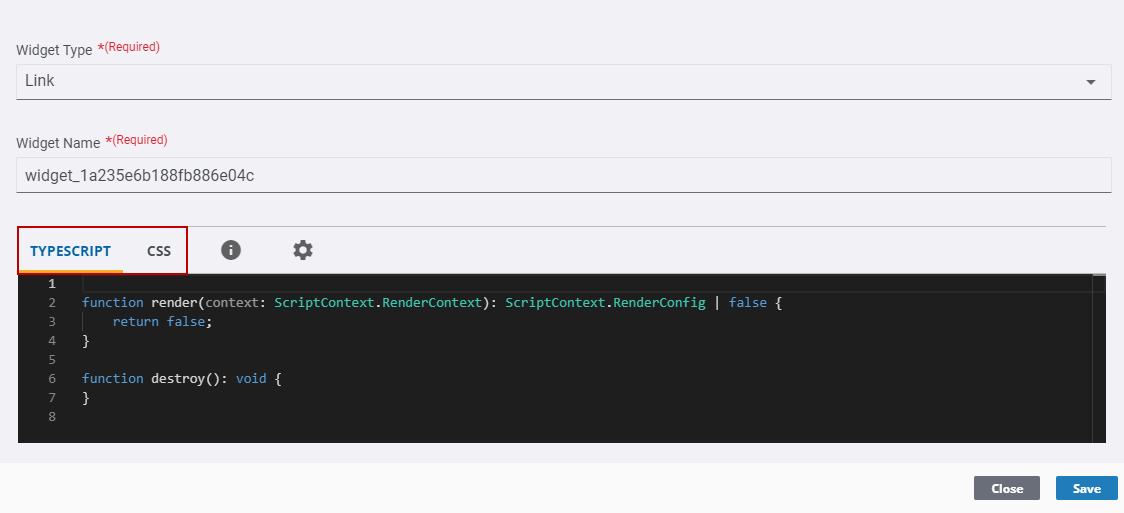
- Click Save and click Close.
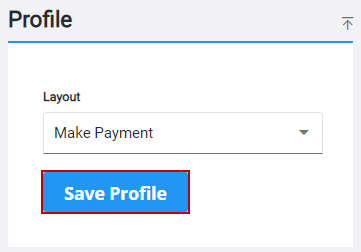
- Click Save Profile on the Profile panel to save changes to the profile.
The widget can now be seen and used in the selected
From the Control Details Panel
- Select the page
- Select a control in the Controls panel.
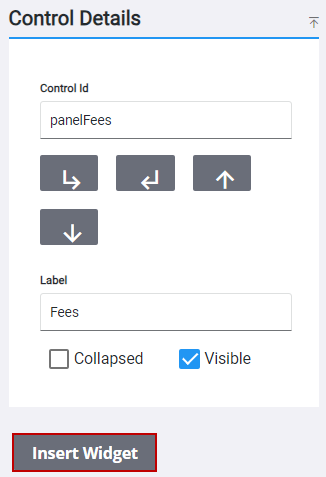
- Click Insert Widget. If you selected a panel control, the widget is added to the bottom of the panel. If you selected a text, button, or field control, the widget is added below the selected control.
- Select the widget placeholder in the panel and click Configure Widget in the Control Details panel.
 TIP: You can also double-click the widget placeholder, when using a desktop, to open the Widget Configurator panel.
The Widget Configurator panel opens.
- Select the Widget Type: HTML
- Enter the Widget Name. This is what the users will see in the
NOTE:
- Enter the code in the Typescript field. You can copy and paste the example code from the information icon, but don't forget to change the code (i.e., URL or Type (icon) to what you need).
- Use the CSS field to style your Typescript code.
NOTE: Intellisense is available in the Typescript and CSS fields and allows you to easily create and complete your code.
- Click Save and click Close.
- Click Save Profile on the Profile panel to save changes to the profile.
The widget can now be seen and used in the selected
You can add a widget to specific layouts. These widgets allow you to integrate with third parties.
|
|
IMPORTANT: Adding and configuring a widget is currently available for the Case Summary,
- Open the User menu.
- Click Admin.
- Click the Layout tab.
From the Widget Slots Panel
- Select the page
Notice the Widget Slots panel populates. The Widget Slots panel shows any containers or "areas" (for a specific layout) that has been enabled (by a Cityworks developer) where a widget can be added.
- Select the widget slot you want to add a widget to.
- Click Add Widget.
- Select the widget placeholder in the panel and click Edit Widget.
The Widget Configurator panel opens.
- Select the Widget Type: HTML
- Enter the Widget Name. This is what the users will see in the
NOTE:
- Enter the code in the Typescript field. You can copy and paste the example code from the information icon, but don't forget to change the code (i.e., URL or Type (icon) to what you need).
- Use the CSS field to style your Typescript code.
NOTE: Intellisense is available in the Typescript and CSS fields and allows you to easily create and complete your code.
- Click Save and click Close.
- Click Save Profile on the Profile panel to save changes to the profile.
The widget can now be seen and used in the selected
From the Control Details Panel
- Select the page
- Select a control in the Controls panel.
- Click Insert Widget. If you selected a panel control, the widget is added to the bottom of the panel. If you selected a text, button, or field control, the widget is added below the selected control.
- Select the widget placeholder in the panel and click Configure Widget in the Control Details panel.
TIP: You can also double-click the widget placeholder, when using a desktop, to open the Widget Configurator panel.
The Widget Configurator panel opens.
- Select the Widget Type: HTML
- Enter the Widget Name. This is what the users will see in the
NOTE:
- Enter the code in the Typescript field. You can copy and paste the example code from the information icon, but don't forget to change the code (i.e., URL or Type (icon) to what you need).
- Use the CSS field to style your Typescript code.
NOTE: Intellisense is available in the Typescript and CSS fields and allows you to easily create and complete your code.
- Click Save and click Close.
- Click Save Profile on the Profile panel to save changes to the profile.
The widget can now be seen and used in the selected