Move a Control or Panel
You can move controls, such as panels and buttons, to reorganize containers and panels to your organization's needs.
- Open the User menu.
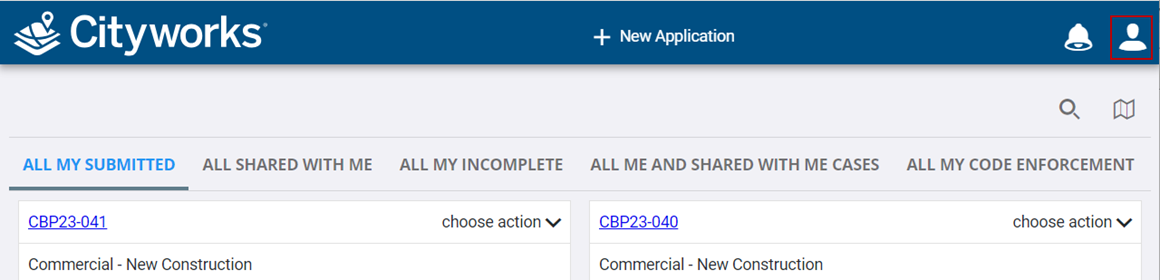
- Click Admin.
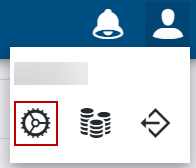
- Click the Layout tab.

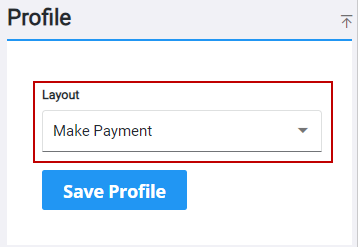
- Select a page or panel using the Layout drop-down list.
 Drag and Drop
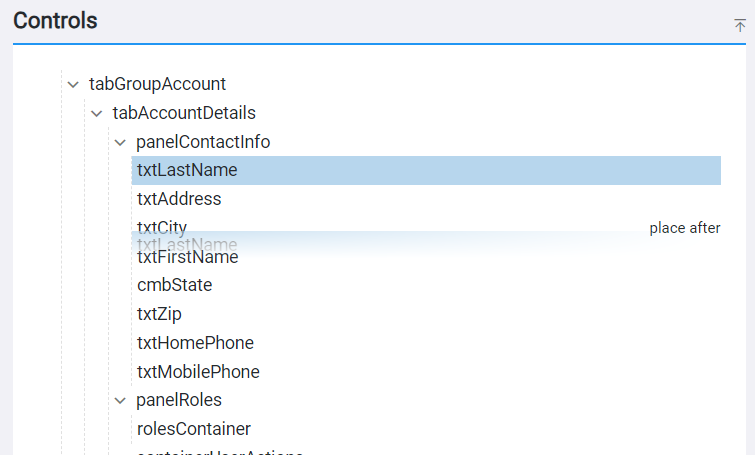
- Within the Controls panel, select a control and drag it to where you want it to be placed.
 TIP: As you start to drag the control to a new location, a
 NOTE: PLL-related panels must be reordered on the related case template in Admin. See
Use Arrows
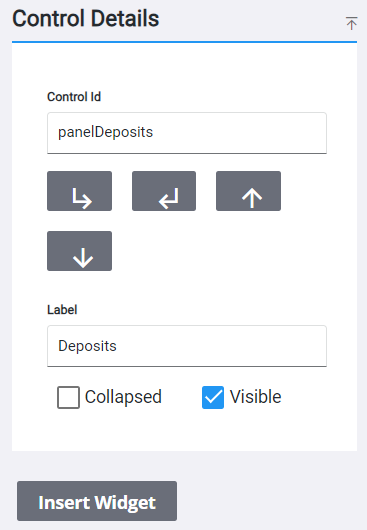
- Within the Controls panel, select a control.
- In the Control Details panel, use the arrows to move the control up and down or in and out of panel and container controls.
NOTE: PLL-related panels must be reordered on the related case template in Admin. See