Work Cycle
The Work Cycle panel allows you to schedule future, recurring inspections.
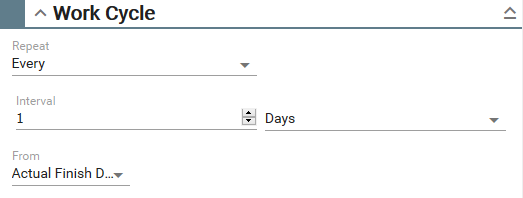
- Repeat: Select how often to repeat: Never, Once, or Every.
- Interval: Enter the interval for the number of Days, Weeks, Months, or Years. For example, if you want to schedule an inspection once every two months, select Every from the Repeat drop-down list and type 2 in the Interval. Select Months from the Interval drop-down list.
- From: Select the cycle to start from the Actual Finish Date, Projected Start Date, or Date. If you select Date, enter the date in the From Date field.
- If you do not want to schedule future inspections, select Never from the Repeat drop-down list.