Payment Fields
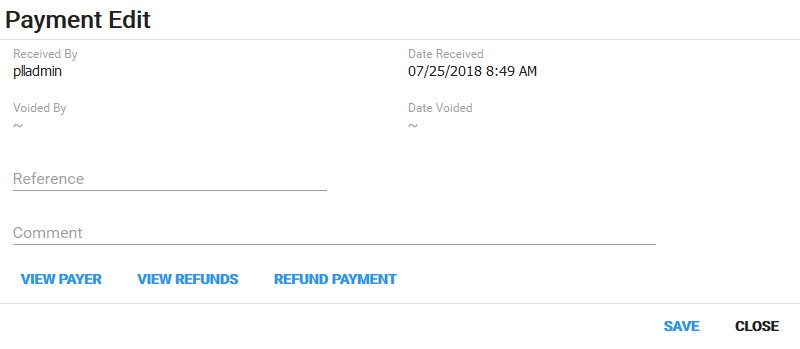
- Received By: This is who received the payment.
- Date Received: This is the date the payment was received.
- Voided By: If the payment was voided, this is who voided it.
- Date Voided: If the payment was voided, this is the date it was voided.
- Reference: This field is used to reference a payment source such as an internal Purchase Order (PO).
- Comment: Add any additional information about the payment.
- Tender Type: Select the payment method, such as cash, credit card, check, or PayPal.
- Payment Amount: Enter the amount to be paid.
- Fee Waived: Select the check box to waive the fee.