Add Tasks
You can add tasks using two different methods.
 Use the Add Icon
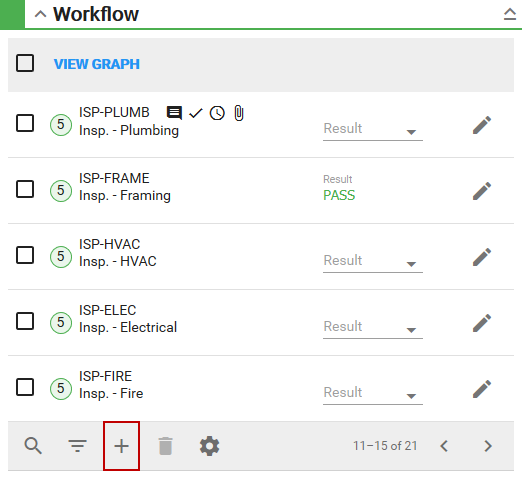
The Add Task panel appears.
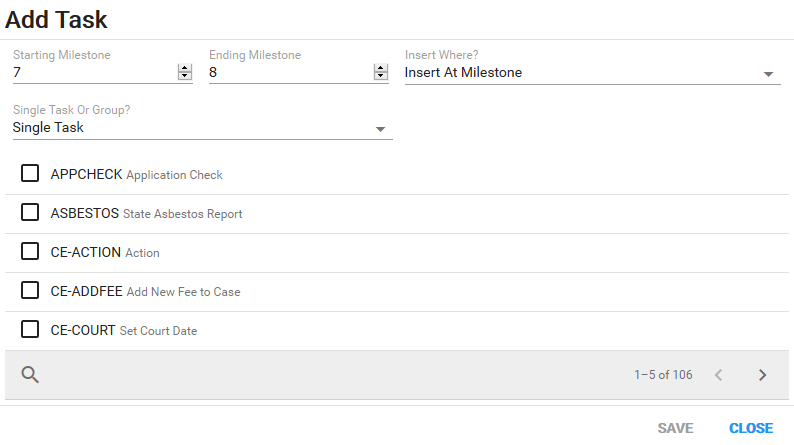
- Use the Starting Milestone and Ending Milestone fields to identify which milestone(s) the task is assigned to. They may automatically populate with the next milestone.
- Choose either Insert At Milestone or Insert Before Milestone to determine if the task(s) should be inserted before or at the specified milestones.
- Select either Single Task or Task Group from the Single Task Or Group? drop-down list to select individual tasks or a group of tasks to insert into the workflow.
- Select the desired task and tap Save to add the task(s) to the case.
Use the Graph
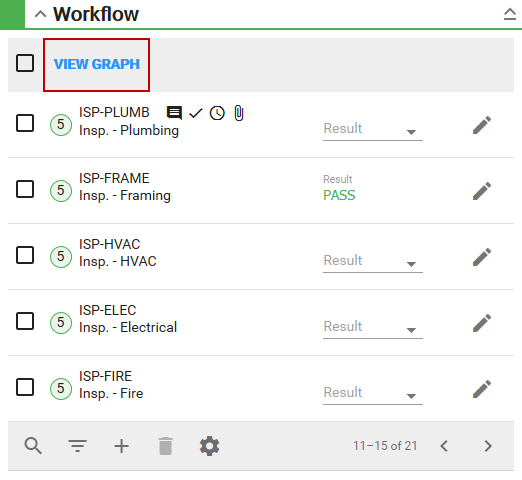
The workflow window appears.
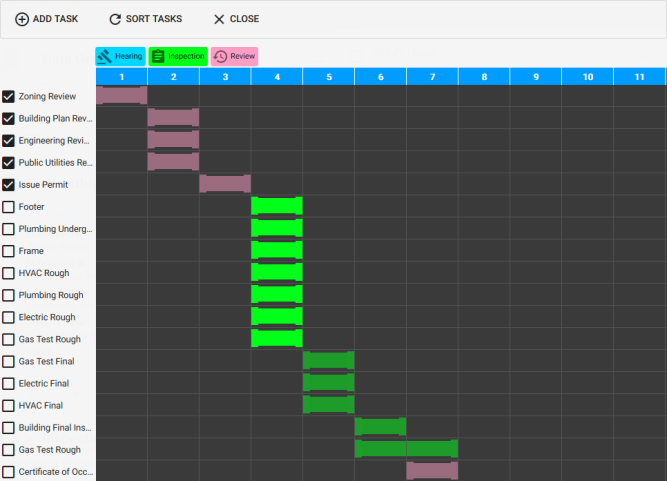
- Tap Add Task, and select a start and end milestone.
- Select a task from the drop-down list and tap Add.
The task appears in the graph.
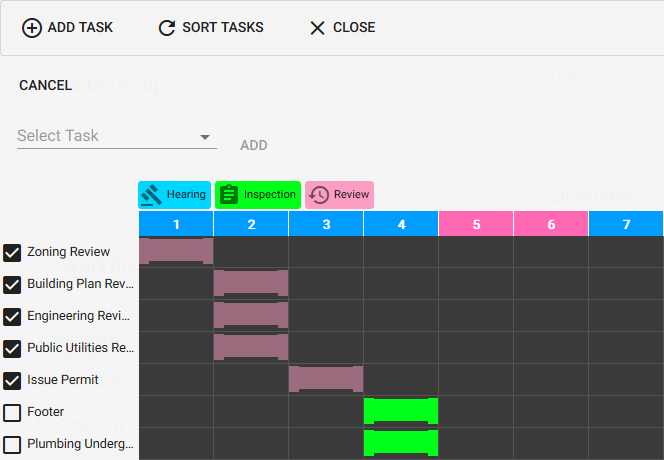
- Tap Sort Tasks to refresh the graph.
- Tap Close to return to the Case Edit window.