Use Comments
You can add, edit, delete, or format comments to individual tasks or multiple tasks.
 Individual Tasks
- Tap the edit icon on the task.
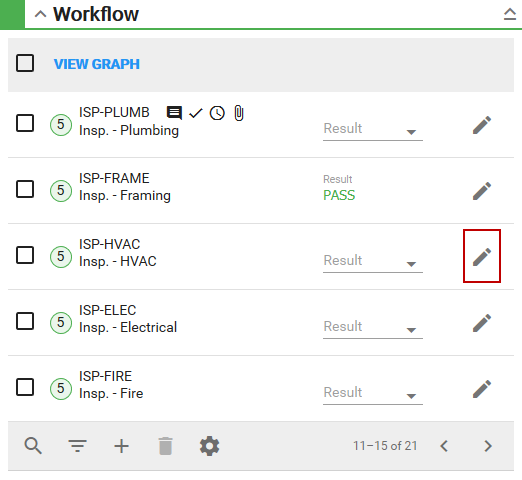
The Task Edit panel appears.
- Tap Comments.
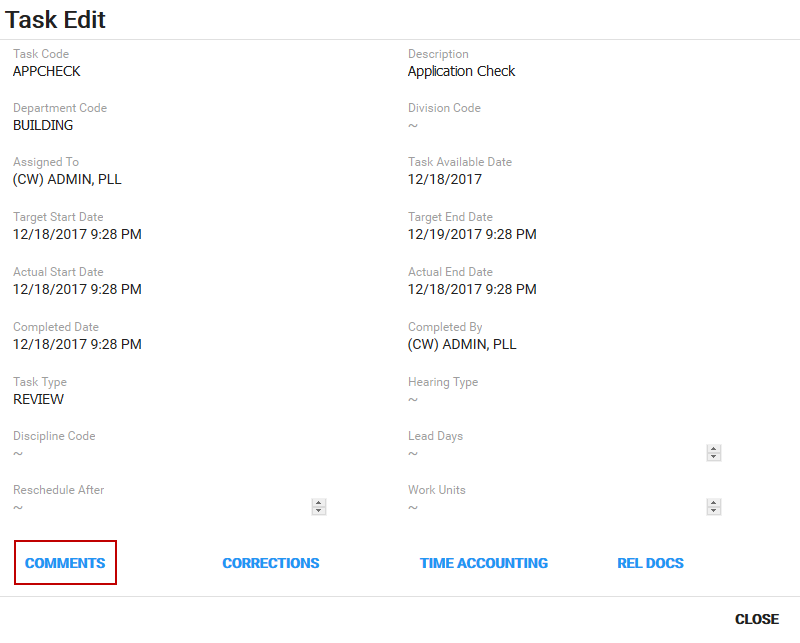
The comments panel appears. See
Multiple Tasks
- Select multiple tasks in the Workflow panel.
Three dots appear next to View Graph.
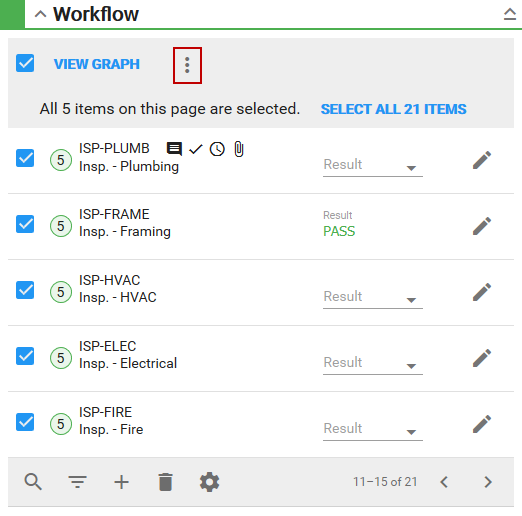
- Tap the three dots and tap Comments.
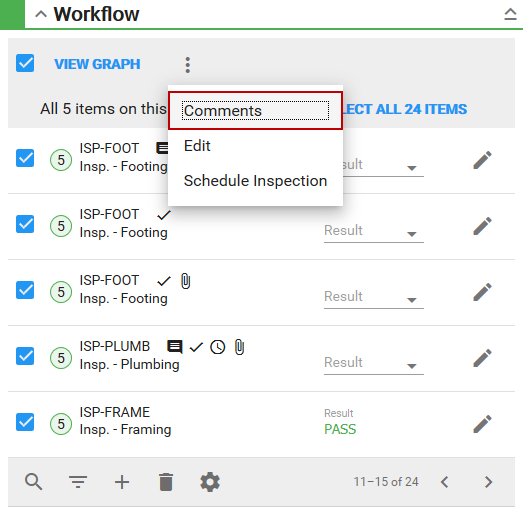
This allows you to add the same comment, to the selected tasks, at the same time. See