Rel Docs
The Rel Docs panel allows you to add, view, or remove attachments for specific tasks as well as capture a signature for inspections.
- Tap the edit icon on the task.
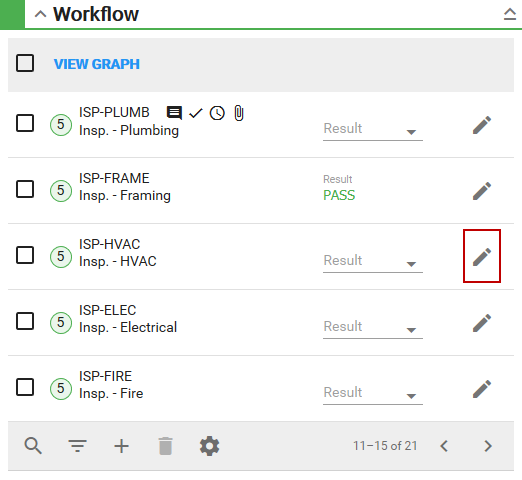
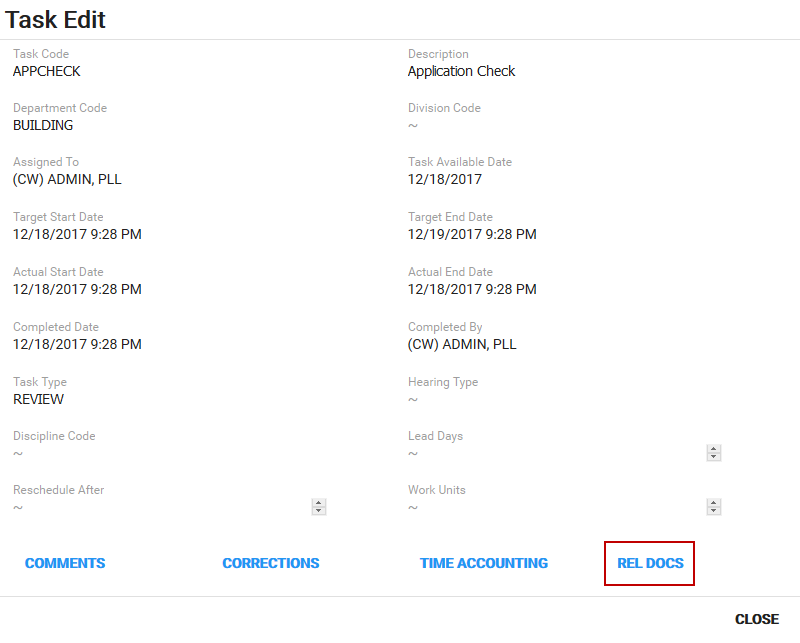
The Task Edit panel appears.
- Tap Rel Docs.
Any related attachments appear.
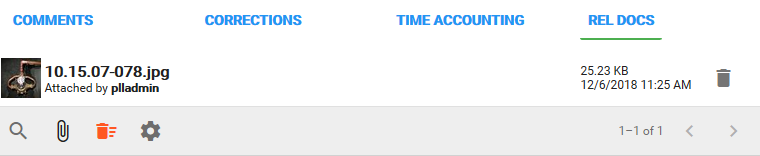
- Tap the search icon to search the list for attachments.
- Tap the gear icon to change the number of rows viewed at a time in the panel.
See