Use Corrections
Some tasks have checklists or corrections attached to them. You can add, remove, or complete correction tasks.
- Tap the edit icon on the task.
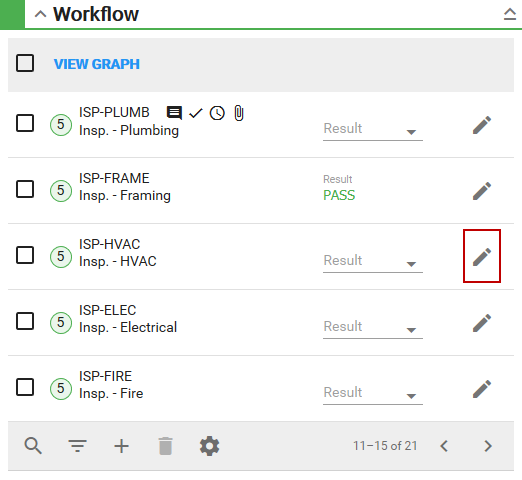
The Task Edit panel appears.
- Tap Corrections.
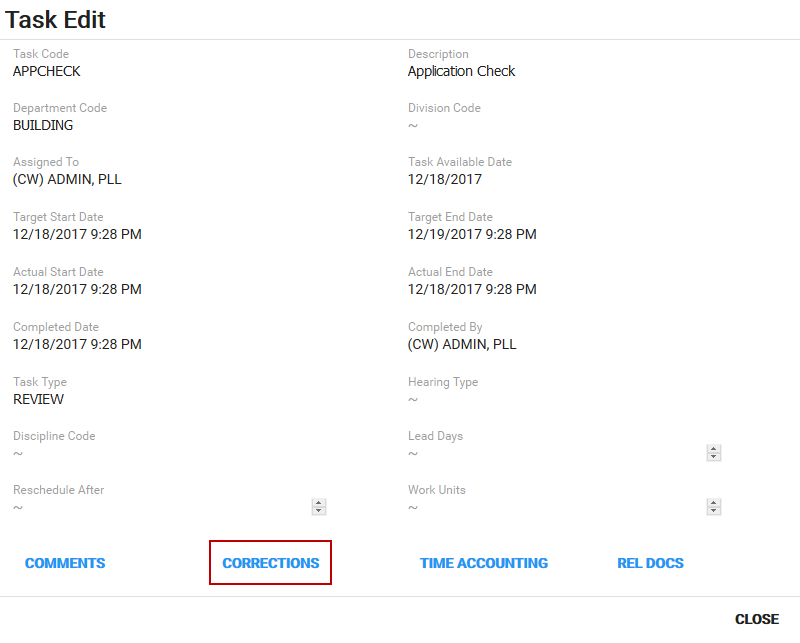
The corrections section opens. See Corrections for more information.