Lock or Unlock Case Data Details
Users who have the appropriate security role can lock or unlock case data details so that they can or cannot be edited by others.
|
|
 PREREQUISITES:
Users can lock and unlock group details using the Data Group panel on the Case Summary page or from the Case Data page.
- Open a case.
- Scroll to the Data Group panel on the Case Summary page.
 NOTE:
NOTE:
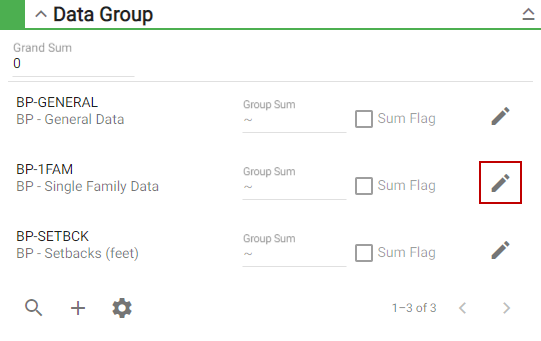
The Data Group Edit panel opens.
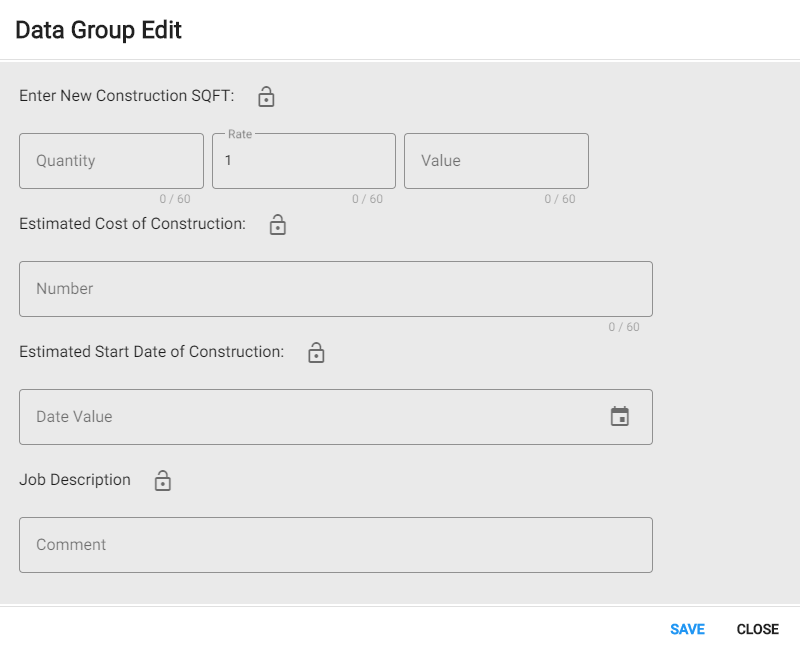
Each detail item within the data group has a lock icon that allows you to lock or unlock individual detail items.
 Lock Detail Items
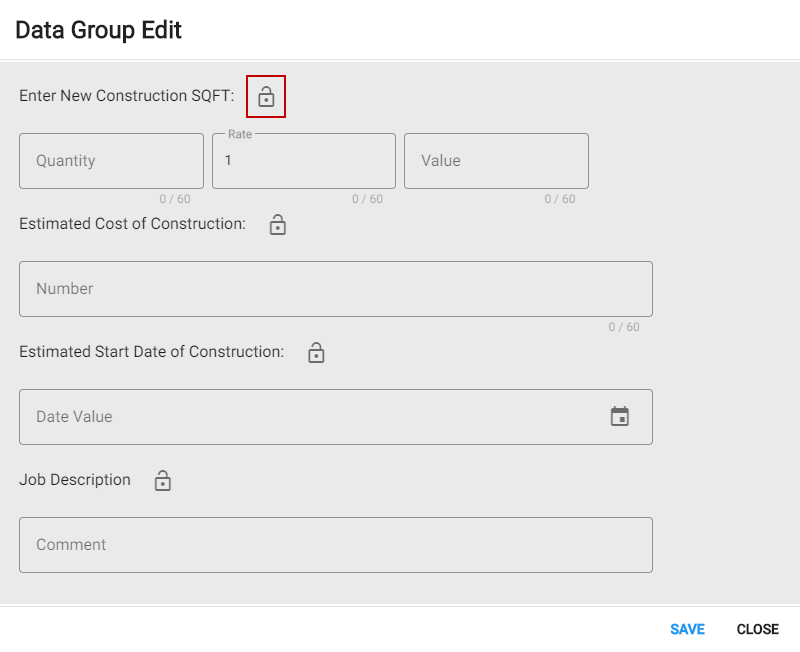
The detail item is now locked.

NOTE: If you are locking, unlocking, or editing group details from the Case Data page, changes are saved automatically.
Now the detail item cannot be edited by any other user, unless they have permission to unlock the detail item.
Unlock and Edit Detail Items
- Edit the information for the detail item.
-
NOTE: If you are locking, unlocking, or editing group details from the Case Data page, changes are saved automatically.
The detail item has been updated.
- If you want the detail item locked again,
NOTE: From the Case Data page,
Now the detail item cannot be edited by any other user, unless they have permission to unlock the detail item.