Condition Panel Fields
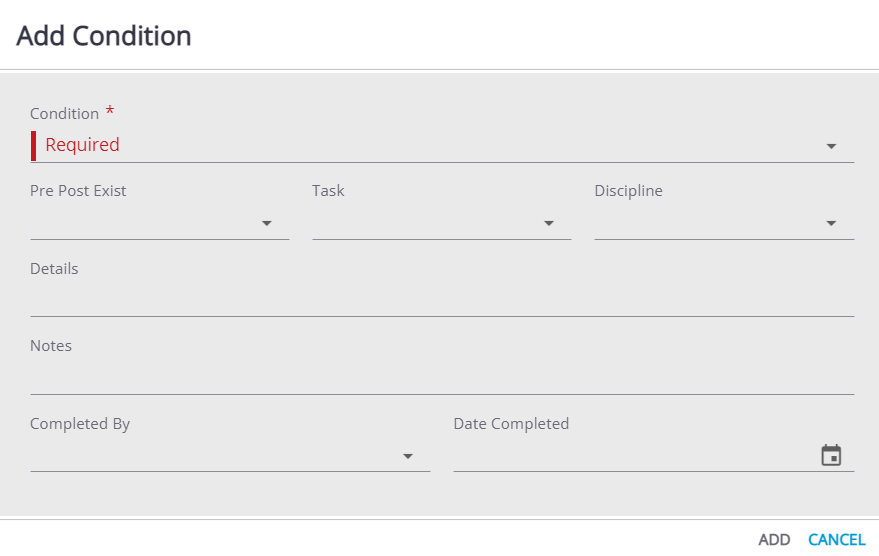
- Condition: This is the identifying code of the condition.
- Description: This is a more detailed description of the condition. This is in the View Condition panel.
- Pre Post Exist: This indicates when the condition must be met:
- Pre: The condition must be met before the permit can be issued.
- Post: The condition must be met before the case can be completed.
- Exist: The condition must be met as long as the case is active.
- Task Code: This field identifies the specific steps or requirements necessary to meet the condition.
- Discipline: Disciplines are codes that identify either professions or work categories.
- Details: Enter any specific information or other details about the condition.
- Notes: Enter any additional notes or comments about the condition.
- Applied By: This is who applied the condition to the case. This is in the View Condition panel.
- Date Applied: This is the date the condition is applied to the case. This is in the View Condition panel.
- Completed By: This is the user who completed the condition.
- Date Completed: This is the date the condition is completed.