Switch Between Floors
If you are using ArcGIS Indoors and Cityworks, the Floor Filter map tool can be used to switch between floors in a building or facility defined on the map.
- Open the map.
-
-
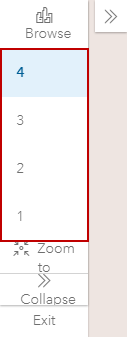
Any work activities associated with the level you're viewing appear. See Search for a Location for more information.

