Add Payer Information to a Payment
You can add who made the payment on fees or deposits manually.
- From the Make Payment panel,
 NOTE: A payment must be selected to activate Make Payment.
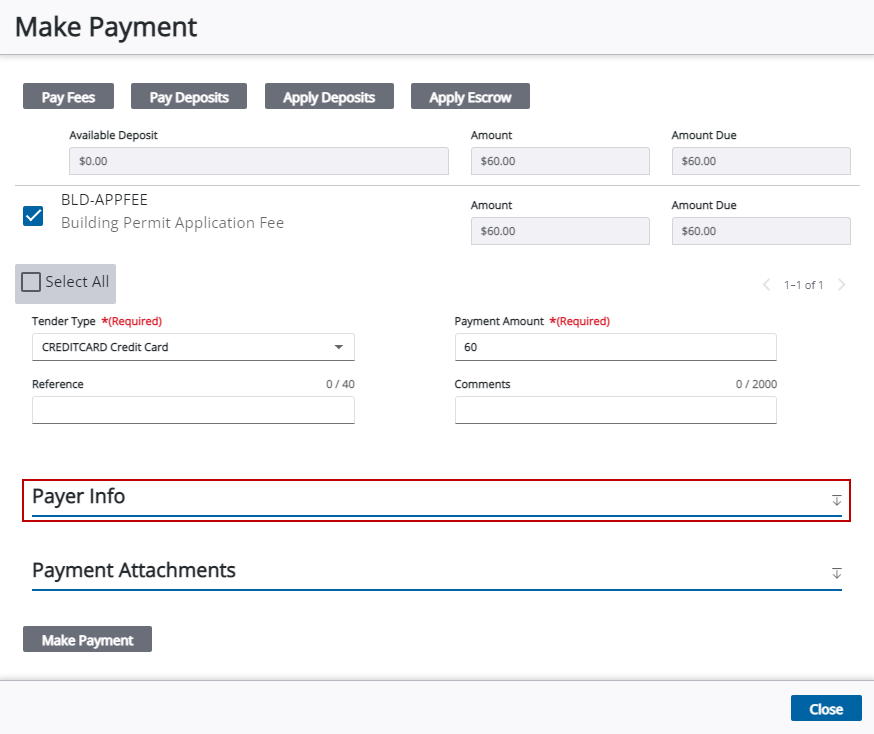
- Enter a name, address, and other contact information for the payer.
NOTE: City, state, and country values may automatically populate when a zip code is entered if an administrator has configured the zip code in
NOTE: See Make a Payment for information on making a payment towards fees or deposits.
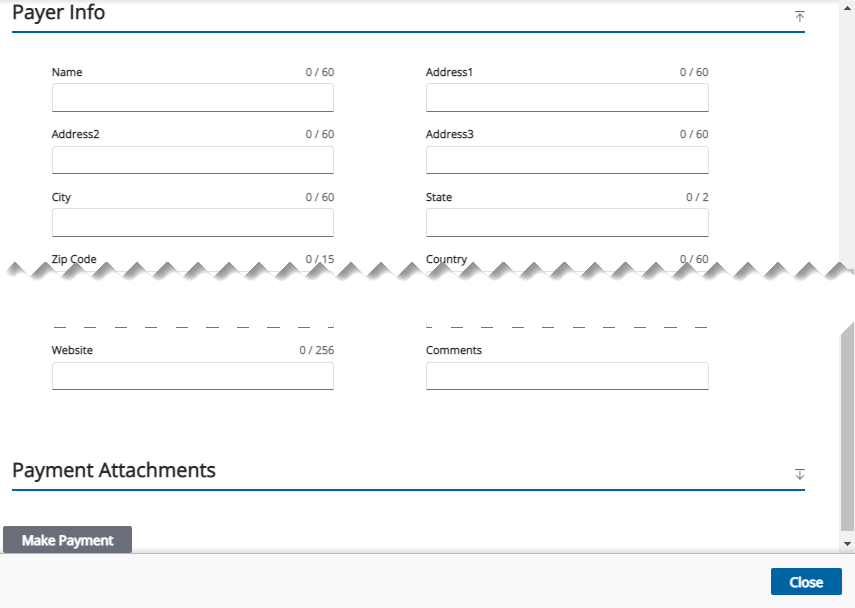
See Payment Panel Fields and Payer Info Fields for an explanation of each field.

