Add Labor
Labor can be added to a service request as it is performed.
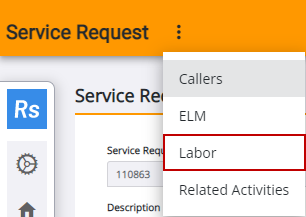
- Open the service request.
-

 TIP: You can filter the list of records displayed. See Filter Records for more information.
- From the Select Employees tab of the Service Request Labor panel, use Add by Employee or Add by Group to select employees.
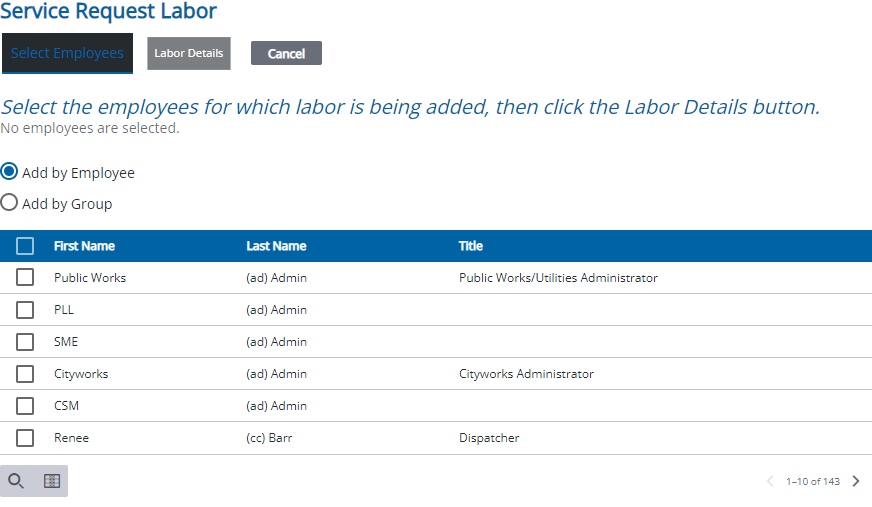
- Once the employee or group is selected,
- Enter labor information.

 NOTE: Dynamic cost codes can be used to customize rates, so if the rate types vary from those shown, the domain administrator has set up labor to use custom rates. The applicable rates are added for each employee so the available selections may vary by employee. See

