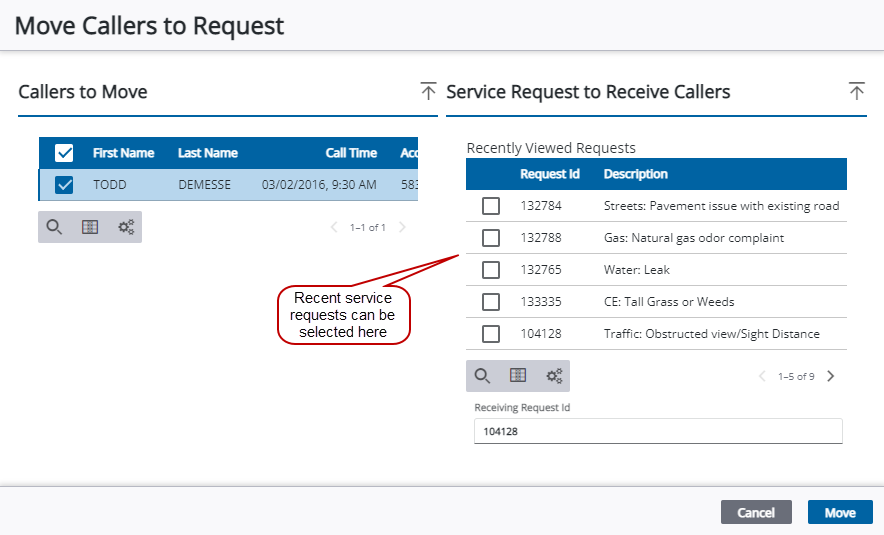
Move Calls to a Different Service Request
Callers can be moved from one service request to another. This is helpful if multiple people have called in about the same issue and you want them all on the same service request.
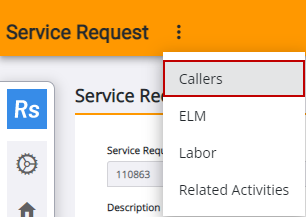
- Open the service request.
-
 TIP: You can filter the list of records displayed. See Filter Records for more information.
- Select the caller and
The Move Callers To Request panel opens.
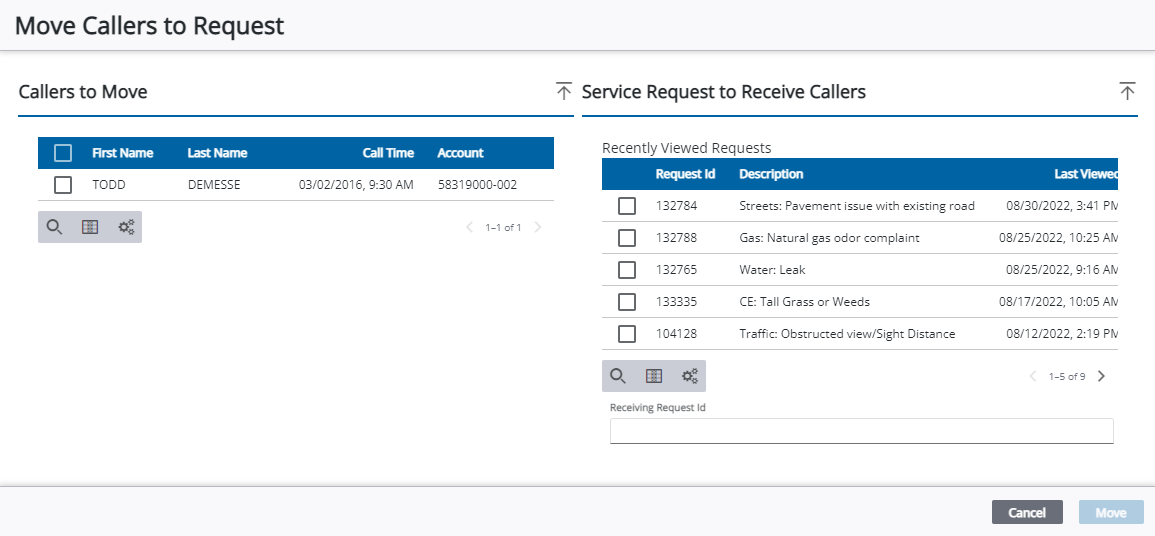
- Select the caller you'd like to move from the Callers to Move panel.
- Enter the service request ID you wish to move the caller to in the Receiving Request Id field or select a recently viewed request.
-