Remove a Permit
Permits can be deleted from a work order if needed.
|
|
 PREREQUISITES:
- Open the work order.
-
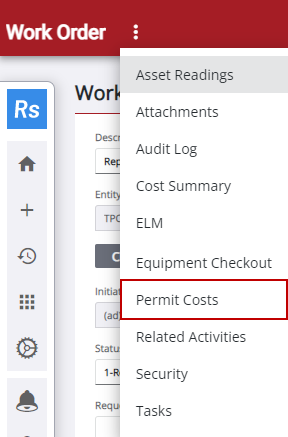

The Work Order Permits panel displays all the permits that have been associated with the work order. The Permits panel displays all the permits that have been created for any work order.
 TIP: You can filter the list of records displayed. See Filter Records for more information.
- Select the permit in the Work Order Permits or Permits panel.
-
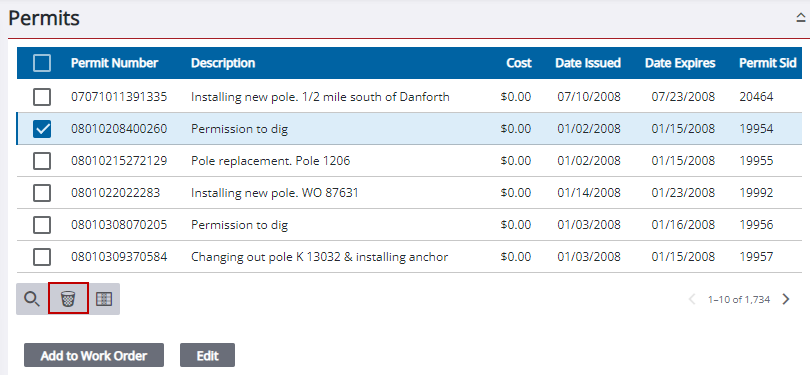
Depending on which panel the permit was removed from, the selected permit is removed from the work order or removed from the Permits panel.

