Map Settings
User map settings can be defined, such as the colors used in the map when assets are selected or highlighted.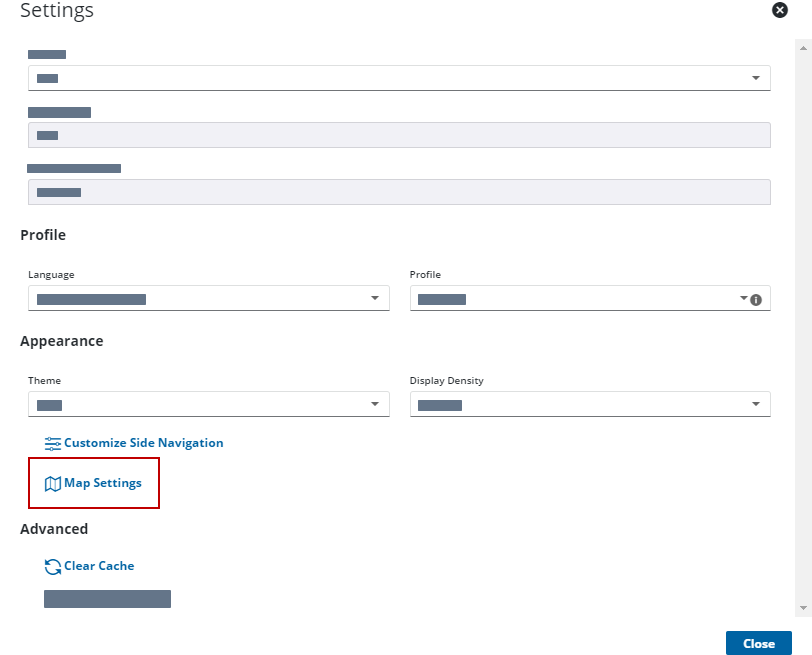
 NOTE: The map settings page opens in the work management window and may not be viewable if the map is open to the full extent of the page. See Resize the Map for more information on resizing the map and work management windows.
- In the Selection Colors and Highlight Colors panels,
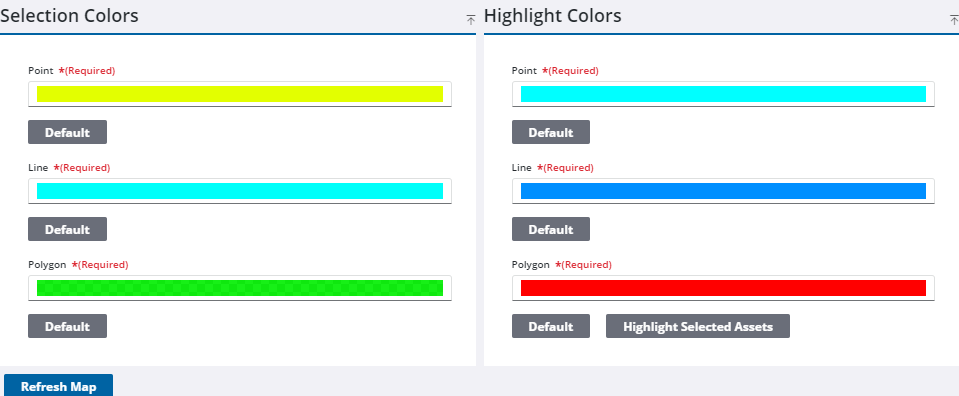
Changes are automatically saved and the map refreshes to show those changes.

