Measure Distance

Distance between points can be measured on the map.
  1. Tap Measure in the map toolbar.
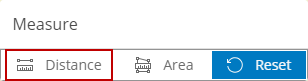
  2. Tap Distance.

  1. Tap a point on the map and then tap another point.
  2. Double-tap to complete the line.

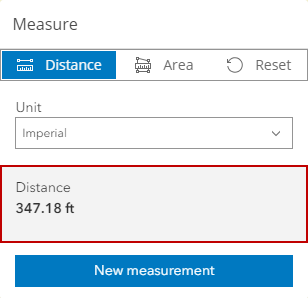
The measurement is displayed.

  1. Select a unit of measurement from the Unit drop-down list.
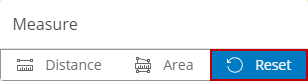
  2. To clear the line from the map, tap Reset.

  1. Tap New measurement to clear the one you just took and start a new measurement.