Add Work Activity
You can add any work activity to your route.
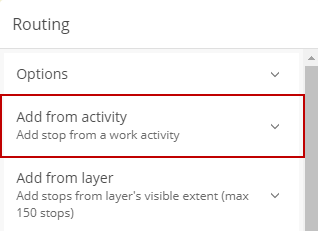
- Select the work activity from the drop-down list.
- Enter the work activity ID or select a point on the map.
-
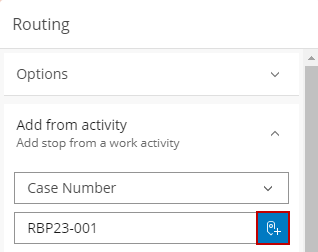
The work activity is added to your route. See Routing Fields for an explanation of the fields.

