View or Edit Asset Details
You can open an address or multiple addresses on the Asset Details page to view asset information. See Asset Details for more information.
 TIP: You can filter the list of records displayed. See Filter Records for more information.
- Select an address or multiple addresses to activate the asset details icon.
-
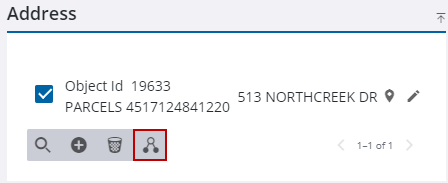
The Asset Details page opens and the selected address(es) load in the Assets panel. See Asset Details for more information about the Asset Details page.

