View the Task's Location

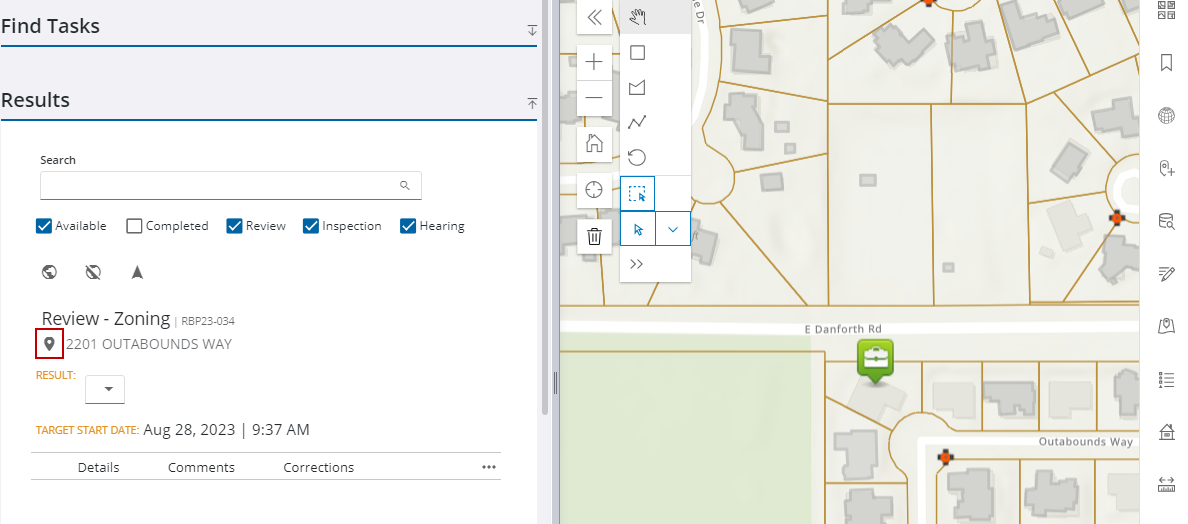
Use the map pin on a task to view where it is located on the map.

PREREQUISITES:

  • If there is no asset or address attached to the task, the map pin icon will not appear. Therefore, the task must have X and Y coordinates.
  • The map must be open.
  1. Open Task Manager and perform a search. See Search for Tasks for more information on performing a search.
  2. Tap Highlight on map on the task.

Image of Task Manager Results and map with Highlight on map highlighted