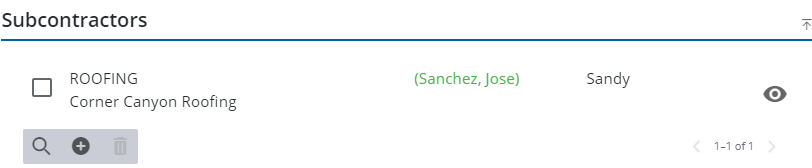
Add a Subcontractor
Users can add one or more subcontractors by editing a contractor on a case.
- Open a case.
-
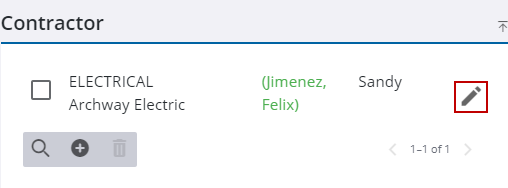
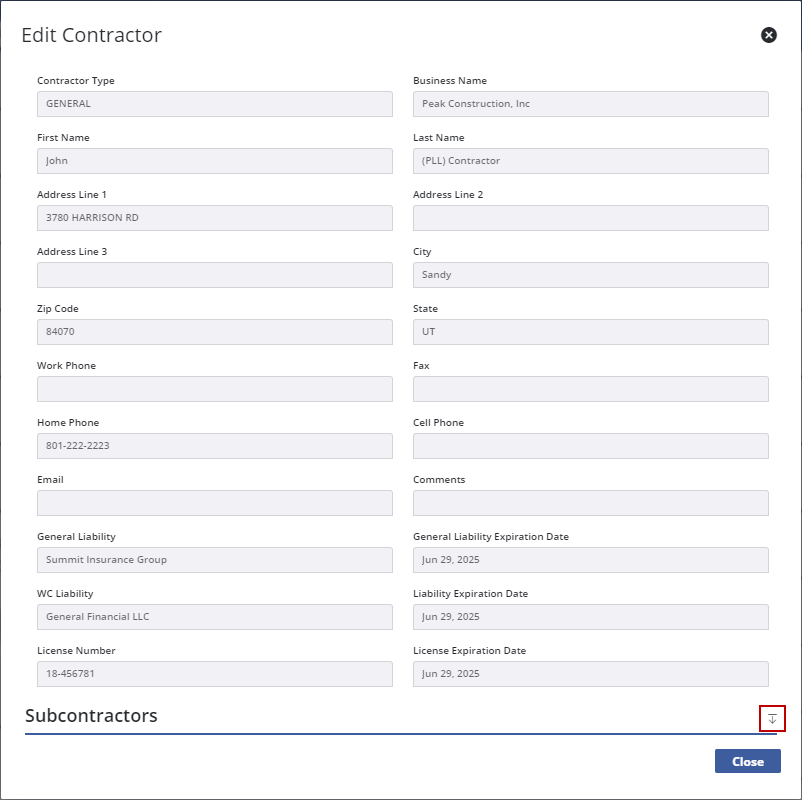
The Edit Contractor panel opens.
- At the bottom of the Edit Contractor panel,

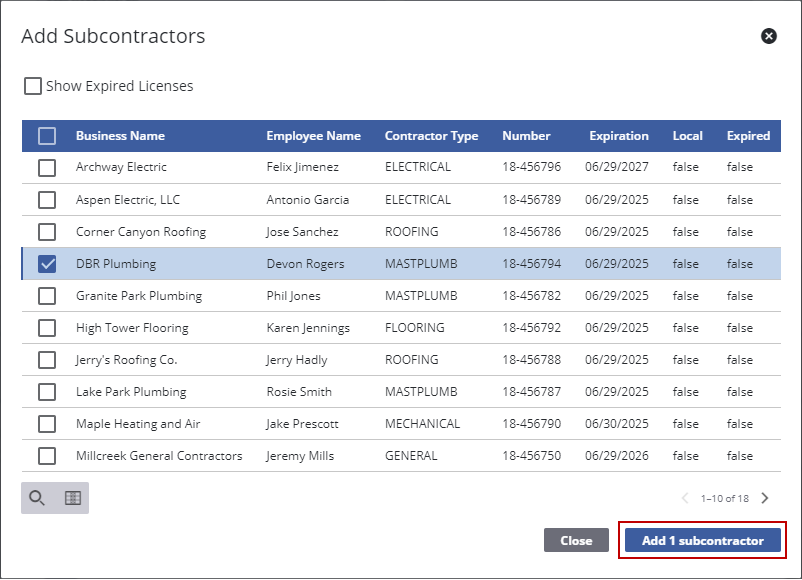
The Add Subcontractors panel opens.
 TIP: You can filter the list of records displayed. See Filter Records for more information.
- Select the subcontractors and
The subcontractor is added to the Subcontractors section. From here you can search, add, and remove subcontractors as well as view existing subcontractors.