Edit the Escrow Account
Use Escrow Payment to edit an escrow account.
- Open the Escrow Payment page. See Customize Menus for more information on customizing the menu.
-

The Payment Edit panel opens.
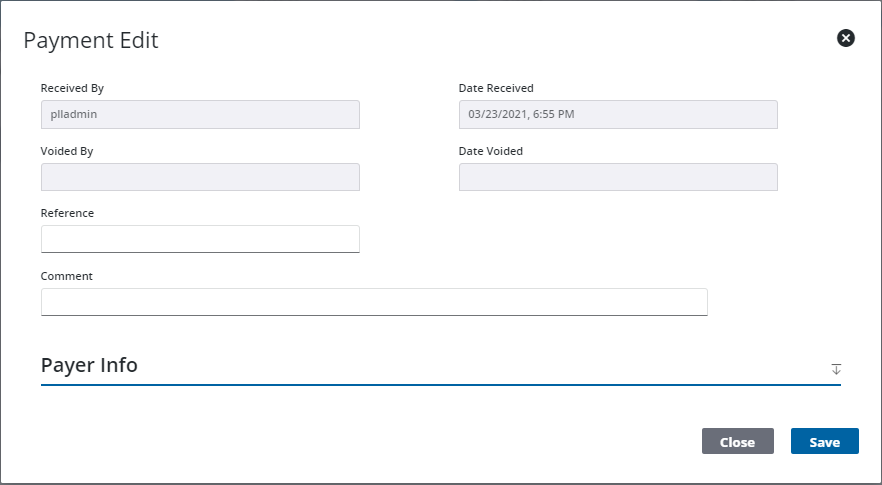
Only the Reference and Comment fields may be edited.