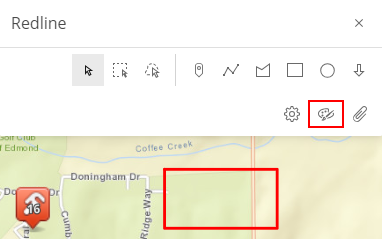
Add a Rectangle

Rectangles can be added to highlight an area on the map.
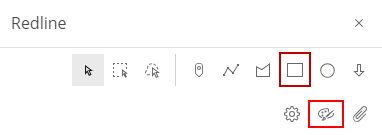
  1. Tap Redline in the map toolbar.
  2. Tap Draw a rectangle.

  1. Tap and drag outward on the map to form a rectangle.

TIP: Tap the map and a pre-defined square is automatically added. See Modify a Redline for more information.

  1. See Save Redline Image Directly to a Work Activity or Download a Redline Image to save the graphic you just created.