Edit a License
To edit a license associated with a case, complete the following:
- Open a case.
-
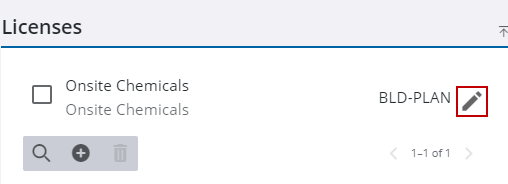
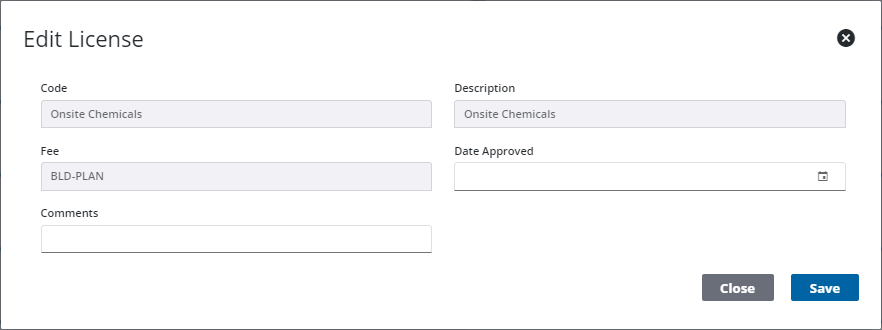
The Edit License panel opens.
 NOTE: Only the Date Approved and Comments fields may be edited.
-
- Once you have made your edits,
See License Panel Fields for an explanation of the Licenses panel fields.