Extend a Task's Milestone
Tasks can extend from one milestone to the next or extend across multiple milestones. For example, one task might start at milestone 3 and end at milestone 4 whereas another task might start at milestone 3 and end at milestone 5.
|
|
 PREREQUISITES:
- Open a case.
-
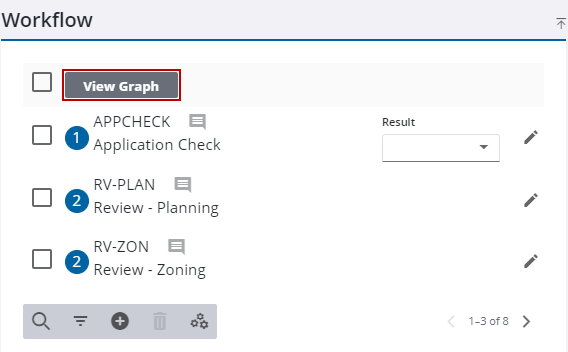
The graph view window opens.
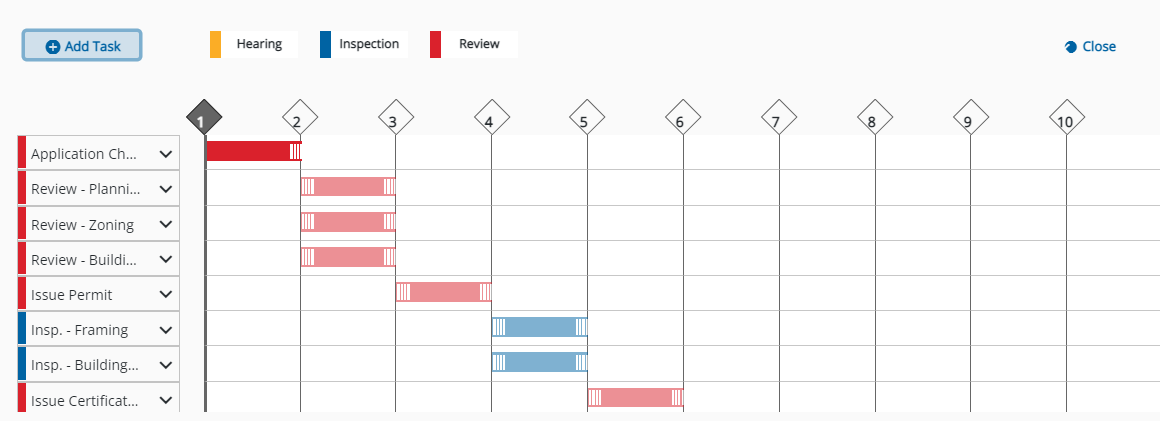
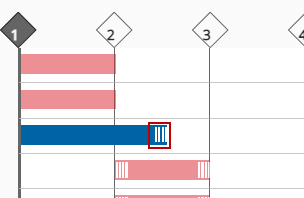
If you add a new task to or extend an existing task past the last milestone, you will see a blank milestone after the current one where the task ends. For example, milestone 12 appears when you extend or add a task from milestone 10 to 11.