Navigate the Work Order Page
The Work Order page displays a variety of panels that may be expanded or collapsed for convenient viewing. See Collapse or Expand Panels for more information.
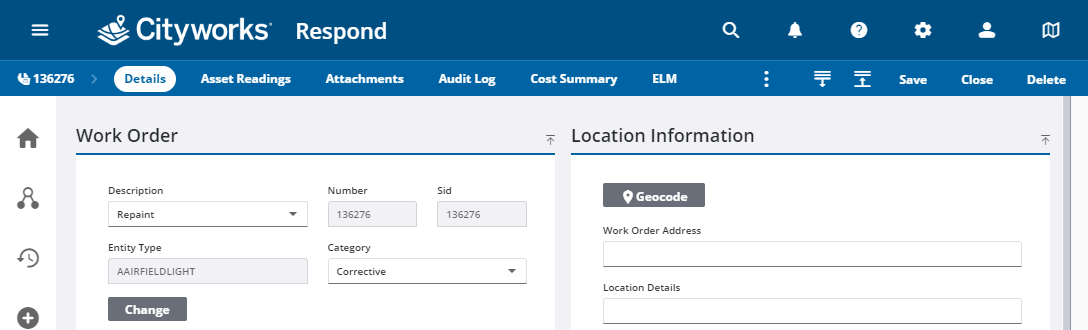
 NOTE: The panel names appearing on the Work Order page are the default labels but may be changed using Cityworks Style. See the Style 2.0 Guide for more information.
Additional pages within the work order can be selected from the activity toolbar.
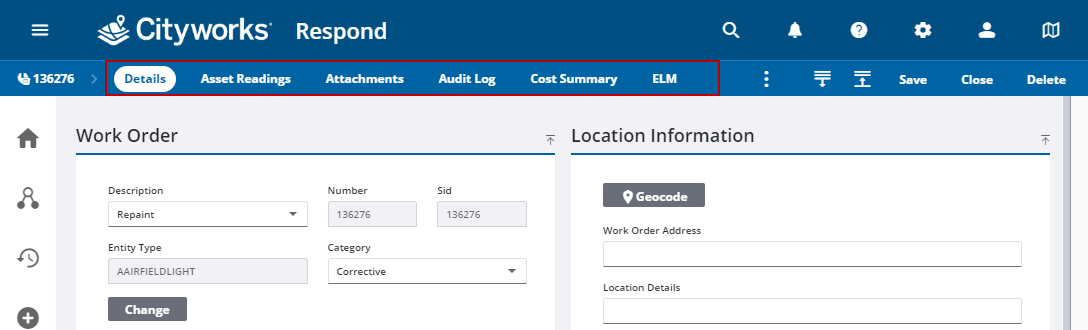
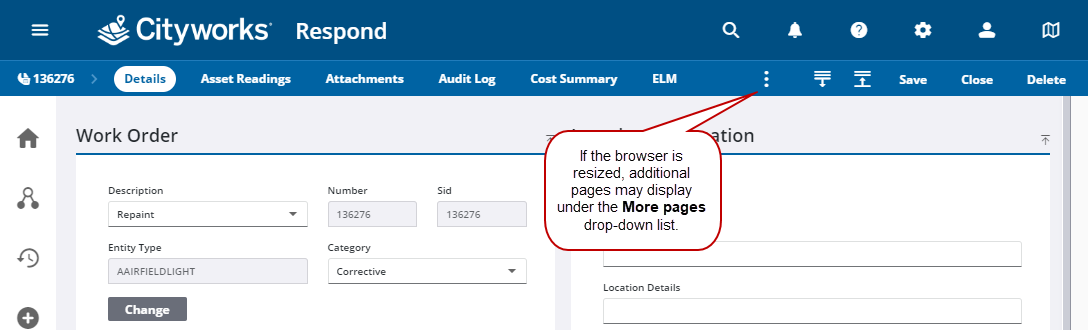
When the browser is resized to a smaller size, the pages can be accessed from the More pages drop-down list.

NOTE: If the work order is closed, Reopen appears if you have permission to reopen the work order.