Configure Employees in Admin
For a user to log in to the Cityworks Single Sign-on site using their ArcGIS Online or Portal for ArcGIS account, their username in Admin must be the same as their username for ArcGIS Online or Portal for ArcGIS.
- Log in to Admin as the domain administrator and navigate to Employees.
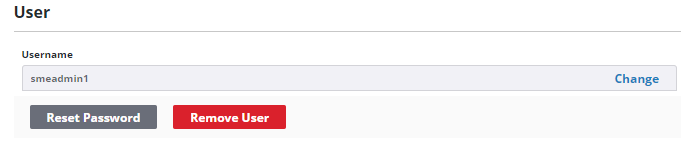
- Select or add the desired employee, then set their username to be the same username that they use to log in to ArcGIS Online or Portal for ArcGIS.