Licensing
Cityworks Single Sign-on is an extension. You must be licensed to use it.
To check if you are licensed for Cityworks Single Sign-on:
- Navigate to Admin in your Cityworks website.
- From the home page, click Admin and click Licensing.
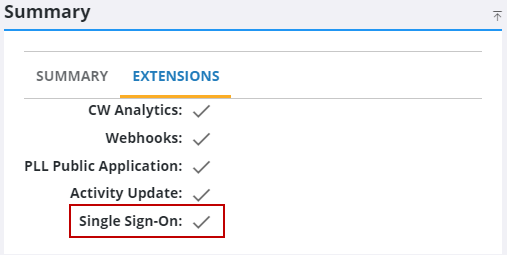
- Click on the Extensions tab on the Summary panel.
A list of extensions will display, including Single Sign-on. This tab indicates if you are licensed for an extension.