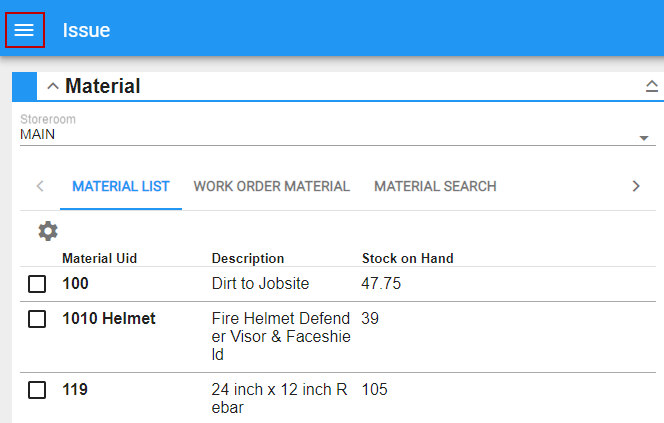
Switch Menu Layouts
You can choose the layout of the menu.
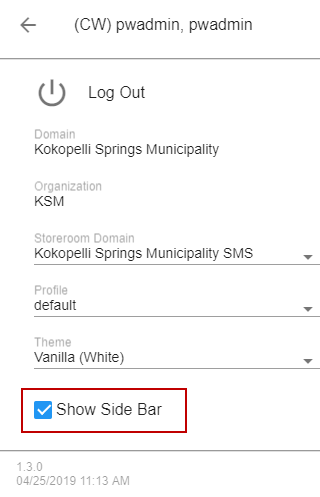
- Open the User Menu.
- Select or clear the Show Side Bar check box to choose the desired menu layout.
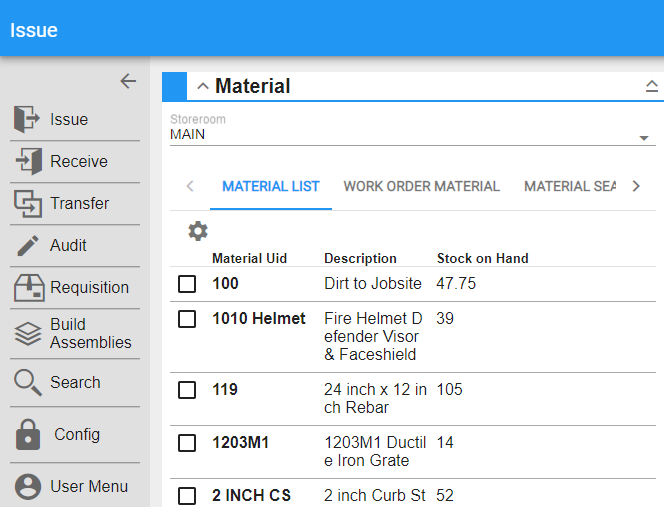
When the Show Side Bar check box is selected, the menu will appear on the side. You can tap the arrow to expand or minimize the menu.
When the Show Side Bar check box is not selected, the menu will be a slide out.
- Tap to open the menu.