Print Last Transfer Transaction Committed
You can print the last transfer transaction that was committed using a Crystal Reports template.
- Tap Transfer from the menu.
- Transfer material and tap Commit.
See Transfer Material for more information on transferring material.
- Tap Print Last Transaction to print the last transfer committed.
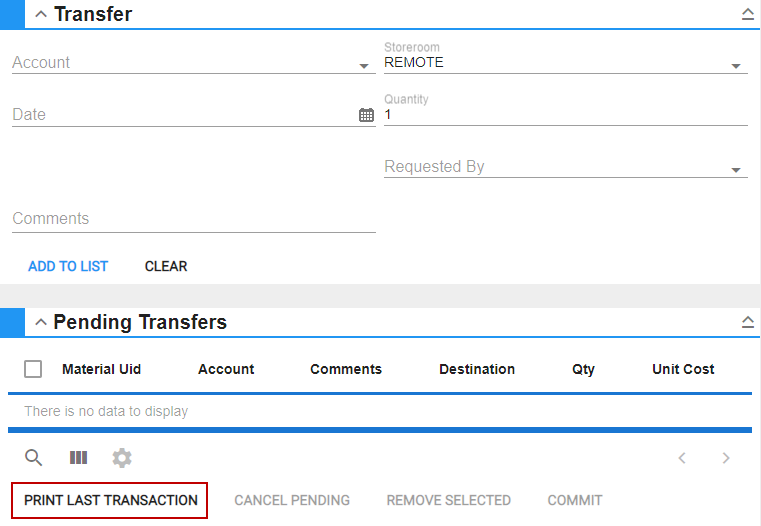
The transaction will open in a new browser tab for you to review and print.