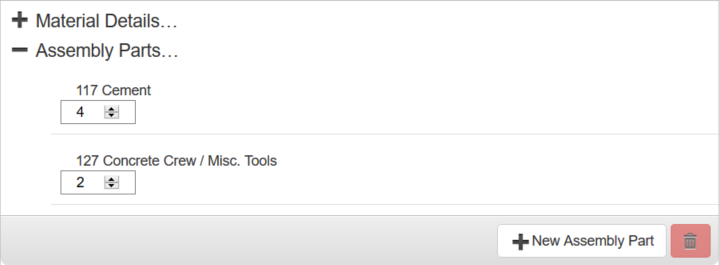
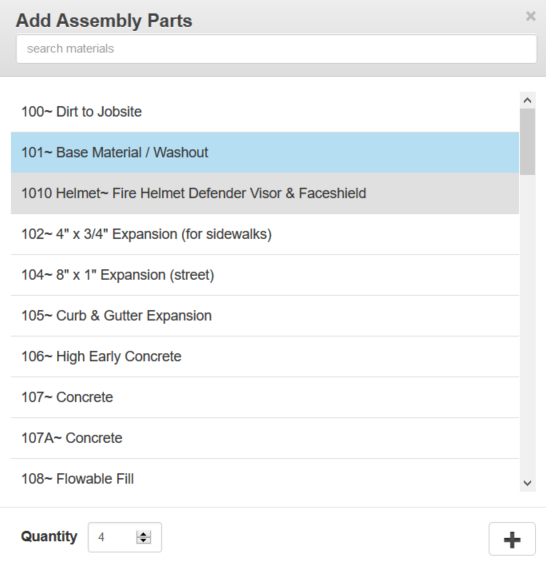
The Assembly Parts section is used to add assembly parts to the selected material.
PREREQUISITES:
|
TIP: To select multiple assembly parts use <Ctrl + click> or <Shift + click>.
NOTE: Storeroom automatically saves the changes you make. A notification will appear in the top of the window that says Data Saved when you make changes to the page.
Last updated 1/3/2020.
Copyright© 2014–2018 by Azteca Systems, LLC. All rights reserved.