Remove Assembly Parts from a Material
- Select a material from the Material panel.
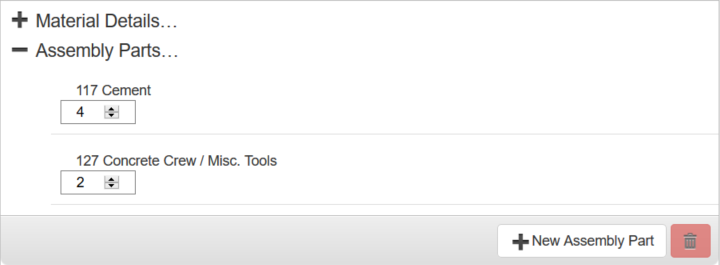
- Click the plus sign next to Assembly Parts to expand it.
- Select a material from the Assembly Parts section and click the red delete icon.
 NOTE: Storeroom automatically saves the changes you make. A notification will appear in the top of the window that says Data Saved when you make changes to the page.

Documentation Feedback Form
Please give us feedback about this Cityworks guide.
If you have a feature enhancement request, please see the Ideas page on MyCityworks.
Last updated 1/3/2020.
Copyright© 2014–2019 by Azteca Systems, LLC. All rights reserved.