Create a Storeroom from Domains
- From the Storeroom tab in Designer, click Domains.
- Select a domain from the Storeroom Domains panel.
- On the Details panel in the Storerooms section, click Create Storeroom.
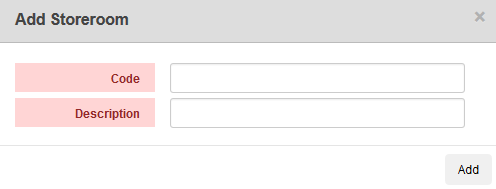
- Enter the Code and Description and click Add.
Once the storeroom is created, continue configuring the new storeroom under Config > Storeroom Materials in Storeroom.
 NOTE: Designer automatically saves the changes you make. A notification will appear in the top-right corner of the window that says Data Saved when you make changes to the page.

Documentation Feedback Form
Please give us feedback about this Cityworks guide.
If you have a feature enhancement request, please see the Ideas page on MyCityworks.
Last updated 1/3/2020.
Copyright© 2014–2019 by Azteca Systems, LLC. All rights reserved.