Remove Assembly Parts from a Material
- Tap the arrow to the right of the material.
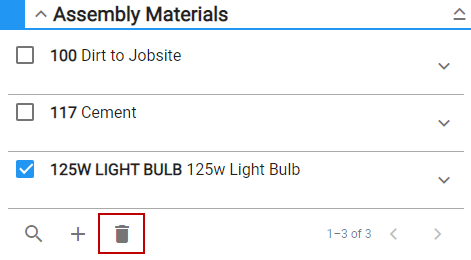
- In the Assembly Materials panel, select the material and tap Delete selected
 NOTE: Storeroom automatically saves the changes you make. A notification will appear at the bottom of the window that says Changes Saved when you make changes to the page.