Show Material Details
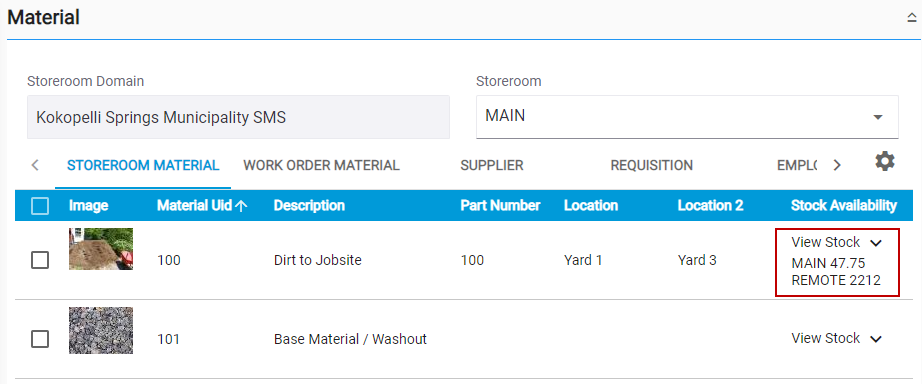
You can view more details of the material, such as images associated with the material, the material's stock, and cost information.
- Select either the Storeroom Material, Work Order Material, Supplier, Requisition, or Employee tab on the Material panel.
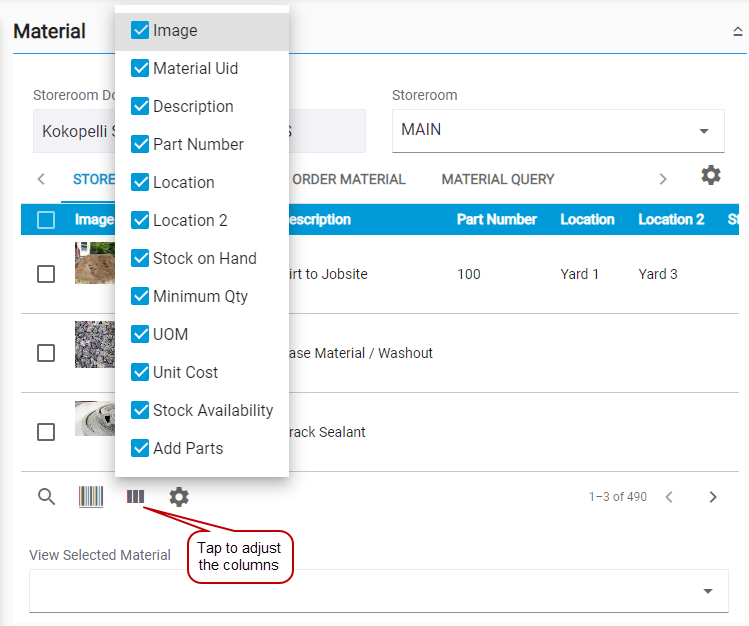
- Tap the Column menu to adjust the columns that appear in the panel.
- To view the stock information, tap the View Stock drop-down list to view which storeroom the material is located in and the quantity in each storeroom.