Licensing
Users must be licensed for the plugin.
- Navigate to Admin, and click Licensing from the Admin tab on the home page.
- Select the
 NOTE: Cityworks Style is available with any Cityworks plugin. See Licensing in the Cityworks Style 1.5 Guide for more information.
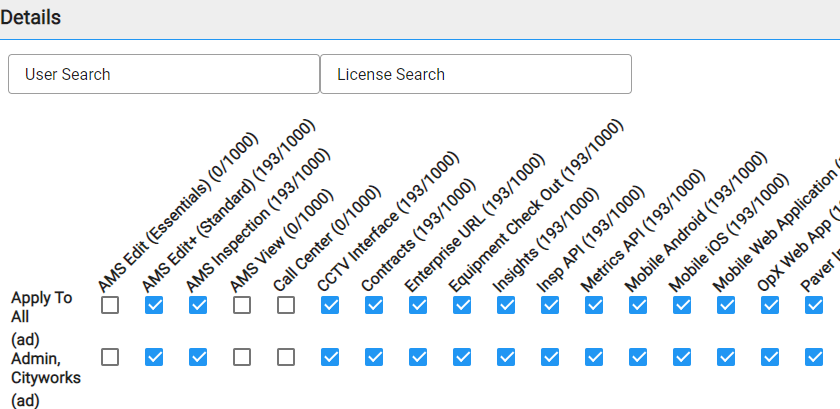
 TIP: You can filter this panel by typing the first few letters of the user's name in the User Search box at the top of the panel, or by typing the first few letters of the license in the License Search box at the top of the panel.