Add an Employee to a Specific Domain
Employees are added to a Storeroom domain by adding them to a group in the desired Storeroom domain.
|
|
 PREREQUISITES:
- Open Storeroom.
- Open Settings.
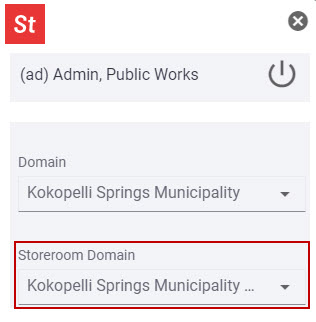
- Select the Storeroom domain from the Storeroom Domain drop-down list that you want to add an employee to.
- Tap Configure from the menu.
- Tap Groups.
- Add the employee to a group. See Add or Edit a Group for more information.
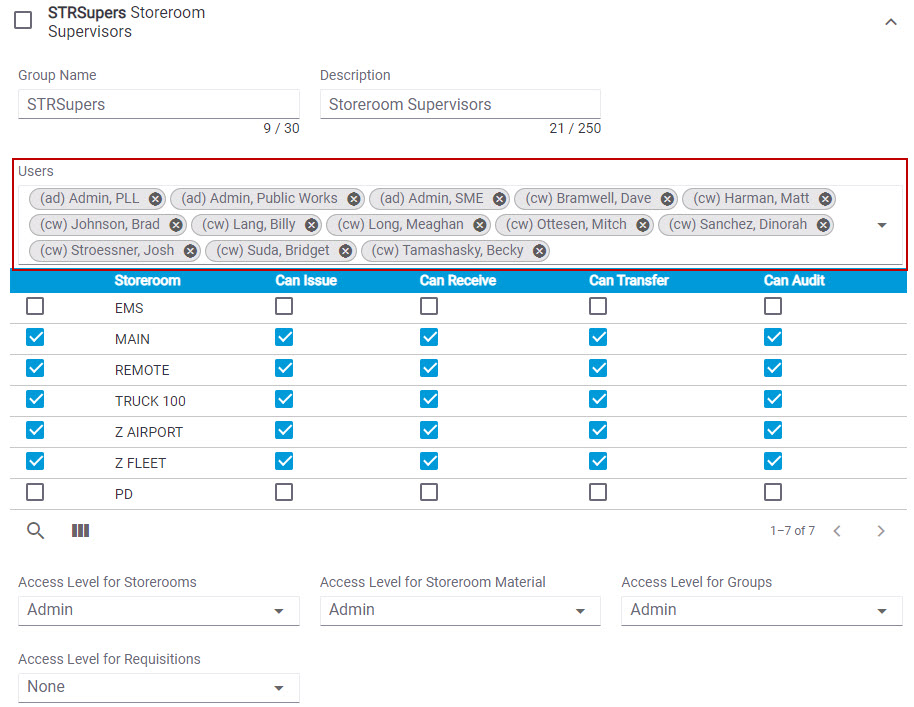
 NOTE: Make sure that the employee is not added to a group in a different Storeroom domain if you only want them assigned to one domain.
Now when the employee logs in to Cityworks and opens Storeroom, it will automatically open in the one Storeroom domain they are assigned to.