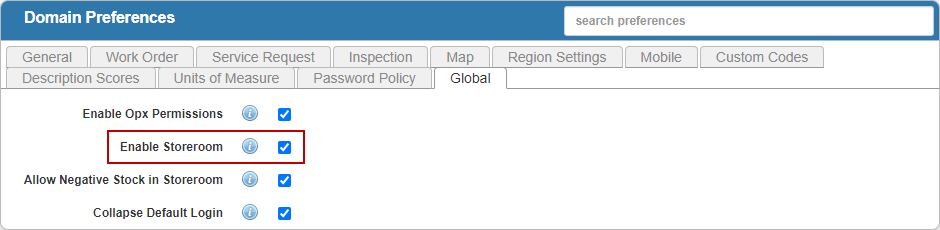
Enable Storeroom

Before you can access Storeroom, you must enable it in Preferences in Designer.

PREREQUISITES:

  • You must be licensed for Storeroom under General > Licensing for the Enable Storeroom preference to appear. See Assign Licensing to an Employee in the Designer for 15.8 Guide for more information.
  • You must be a Cityworks administrator to view this preference. See Administrators in the Admin 2.2 Guide for more information.
  1. From the home page or General tab, click Preferences.
  2. Tap the Global tab.
  3. Select Enable Storeroom.

NOTE: Designer automatically saves the changes you make. A notification that says Data Saved appears in the top-right corner when you make changes to the page.