View Stock on Hand
You can view the quantity and storeroom of the material in the Stock on Hand panel.
- Tap Configure from the menu.
- Tap Material.
 TIP: You can filter the list of records displayed. See Filter Records for more information.
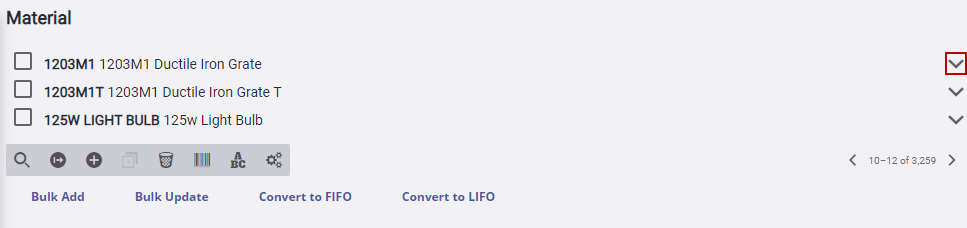
- Tap the arrow to the right of the material.
- Tap the arrow to the right of Stock On Hand.
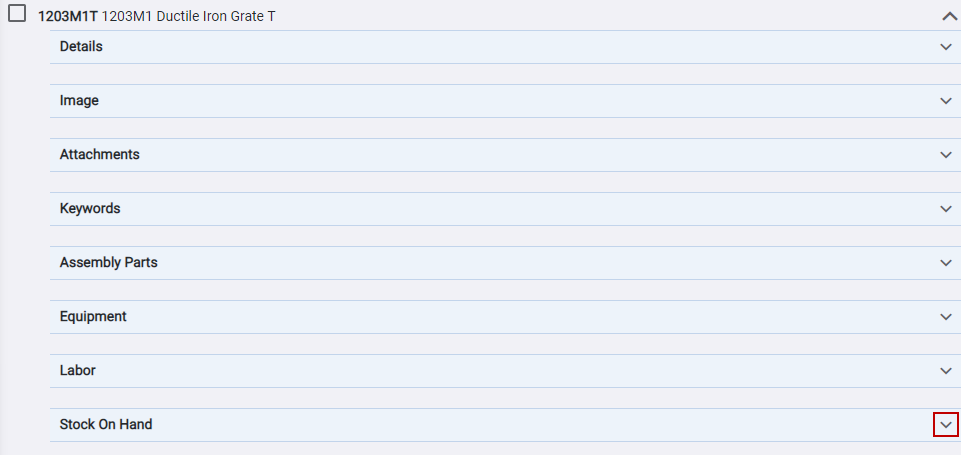
- Tap the arrow to the right on the Stock On Hand panel.

The panel expands and the information appears.

