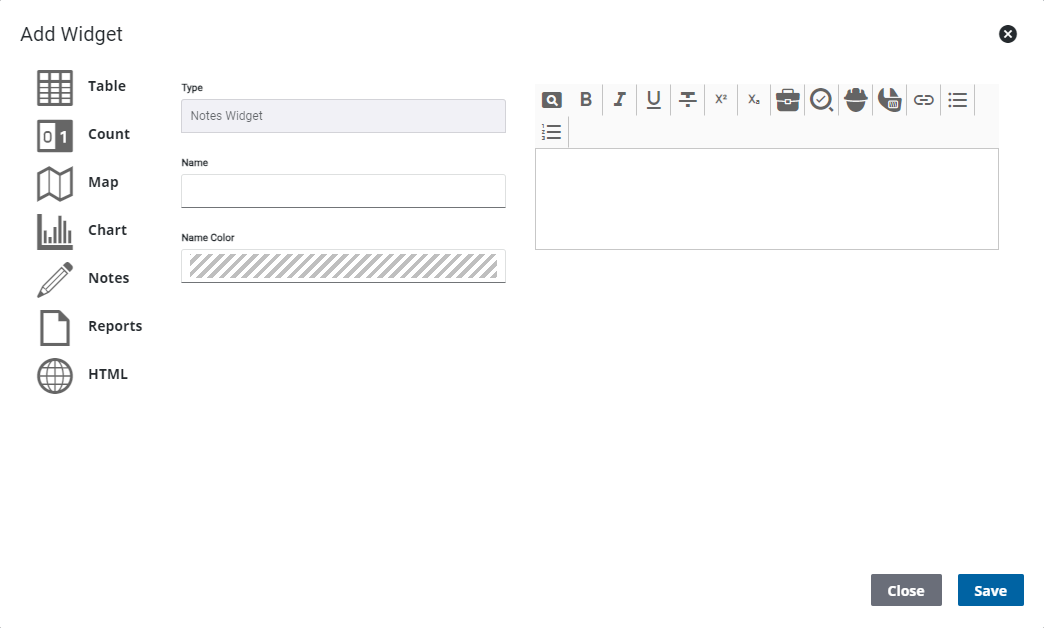
Add a Notes Widget
The Notes widget displays a text box that can be used to save notes, make announcements, etc. Notes can be added domain-wide by the administrator.
|
|
 PREREQUISITES:
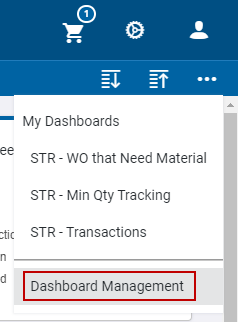
 NOTE: The most-recently-viewed dashboards display. To quickly switch between recently-viewed dashboards, see Switch Between Dashboards for more information.
The Dashboard Management page opens.
-
- On the Dashboard - Edit page,
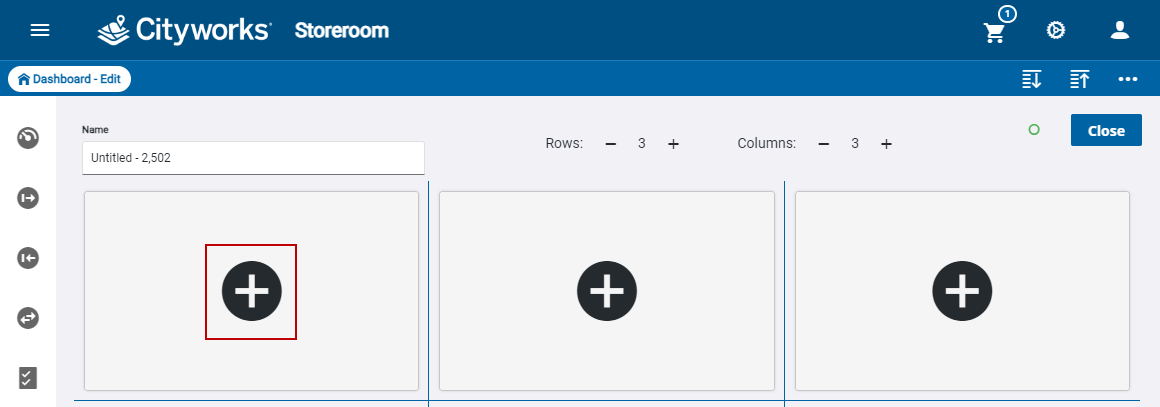
The Add Widget panel opens.
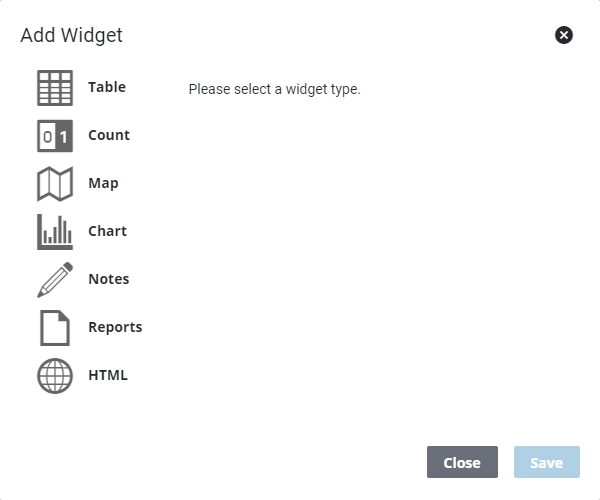
- Select Notes.
- Enter the Name.
- Select the Name Color.
- Enter a message.