Move a Control or Panel
You can drag controls within a panel to reorder them or move controls to another panel. You can also move panels to reorder them or place them inside other panels.
|
|
 PREREQUISITES:
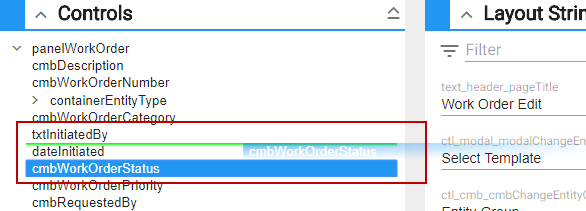
- Within the Controls panel, select a control and drag it to where you want it to be placed.
 TIP: As you start to drag the control to a new location, a green line will appear to let you know where the control will be placed.