Remove a Theme

You can remove custom themes.

PREREQUISITES:

  • The first time you install Style, you need to add any apps or pages you need or want to access. For example, use the Route menu option to add a menu item that navigates to the Theme Editor, Profile Editor, and other pages. See Add Menu Items and Edit Item Fields for more information.

  1. Open the theme editor.
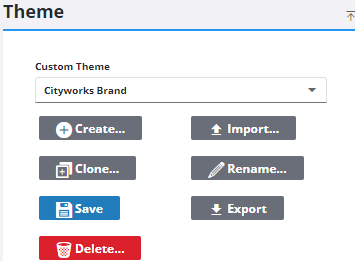
  2. Select an existing theme from the Custom Theme drop-down list.
  3. Click Delete on the Theme panel.

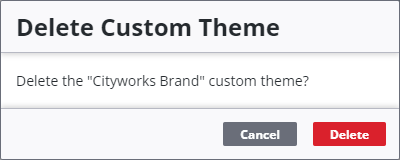
The Delete Custom Theme panel opens.

  1. Click Delete.

A confirmation message appears.