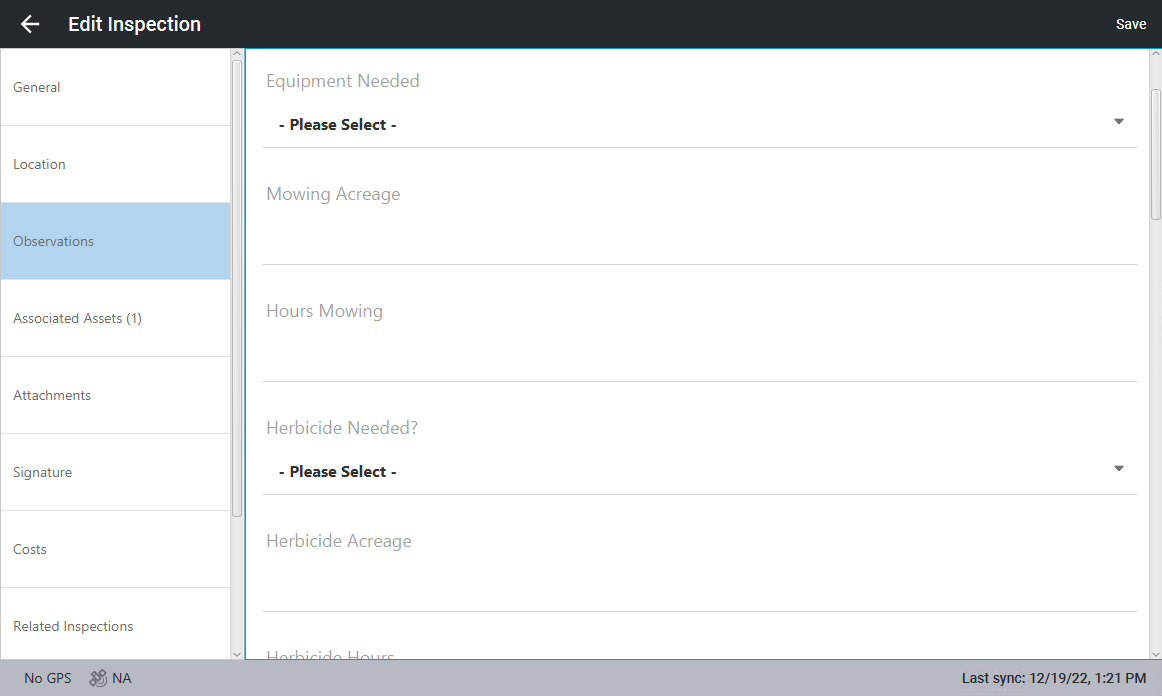
Complete Observations
Observations can be completed from the Trimble Unity mobile app.
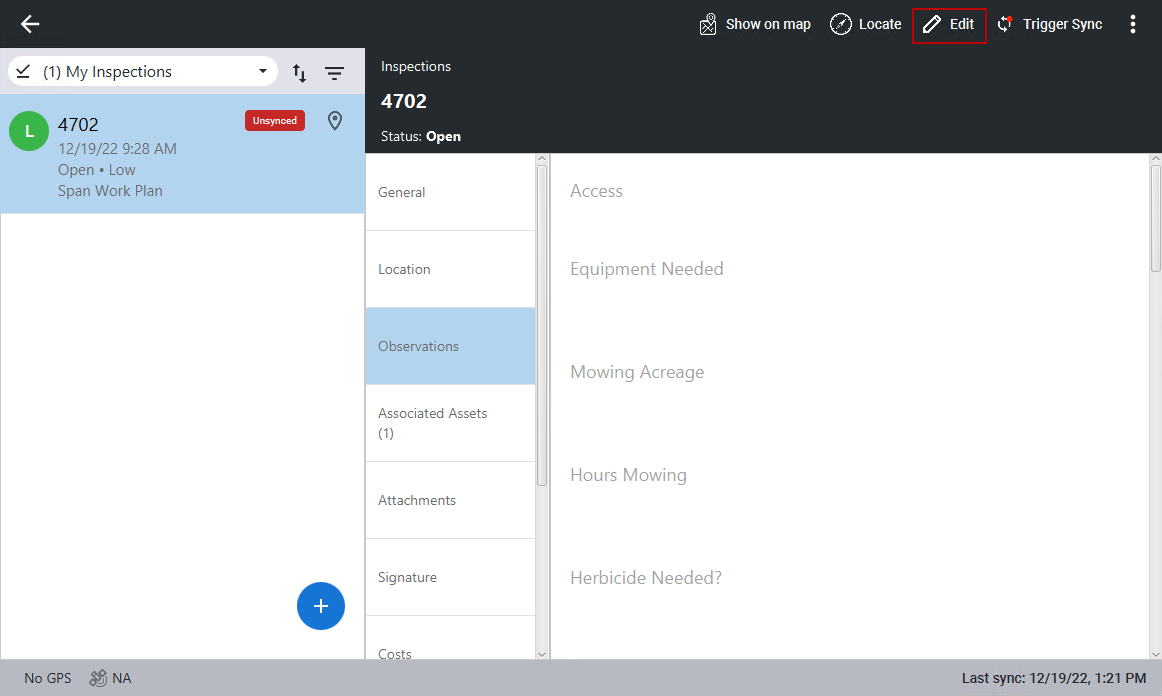
- Click the inspection you want to complete observations on.
- Click Observations, then click Edit in the top-right corner. If you are already in edit mode, you don't need to click Edit.
- Make the desired changes and click Save.