View an Inspection on the Map
Cityworks inspections can be viewed on the Trimble Unity mobile app map directly from the list of inspections or from within the inspection details page.
 From the List of Inspections
- Click the map pin to the right of an inspection listed.
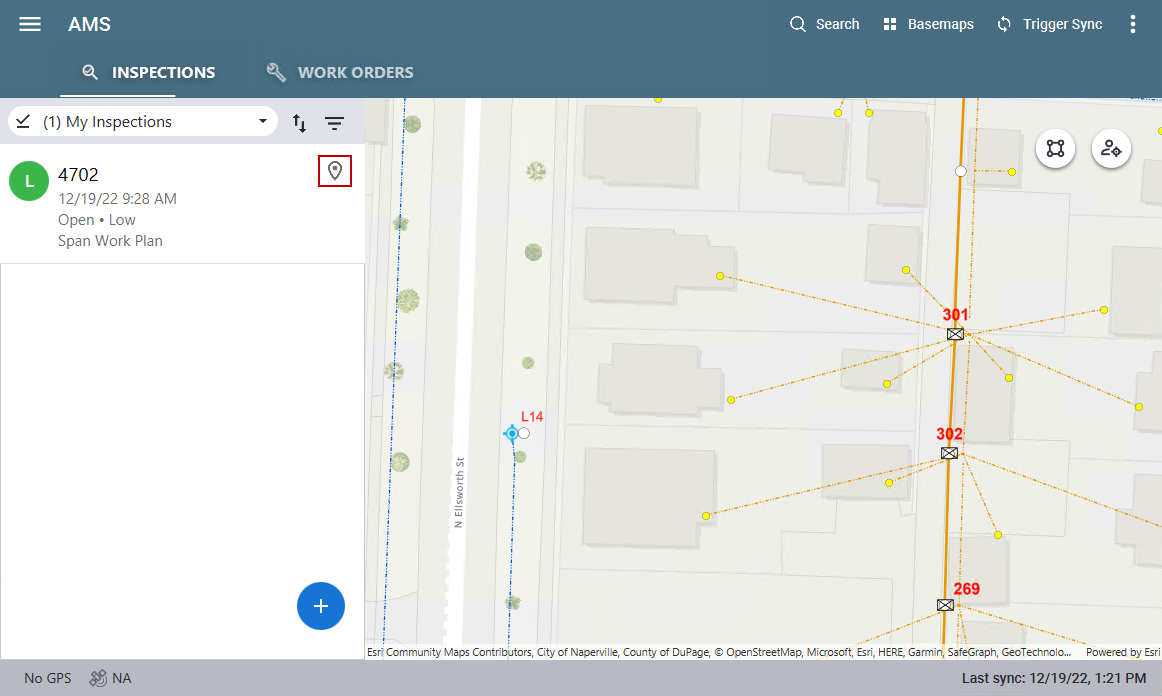
The map opens and a pin appears where the attached asset is located.
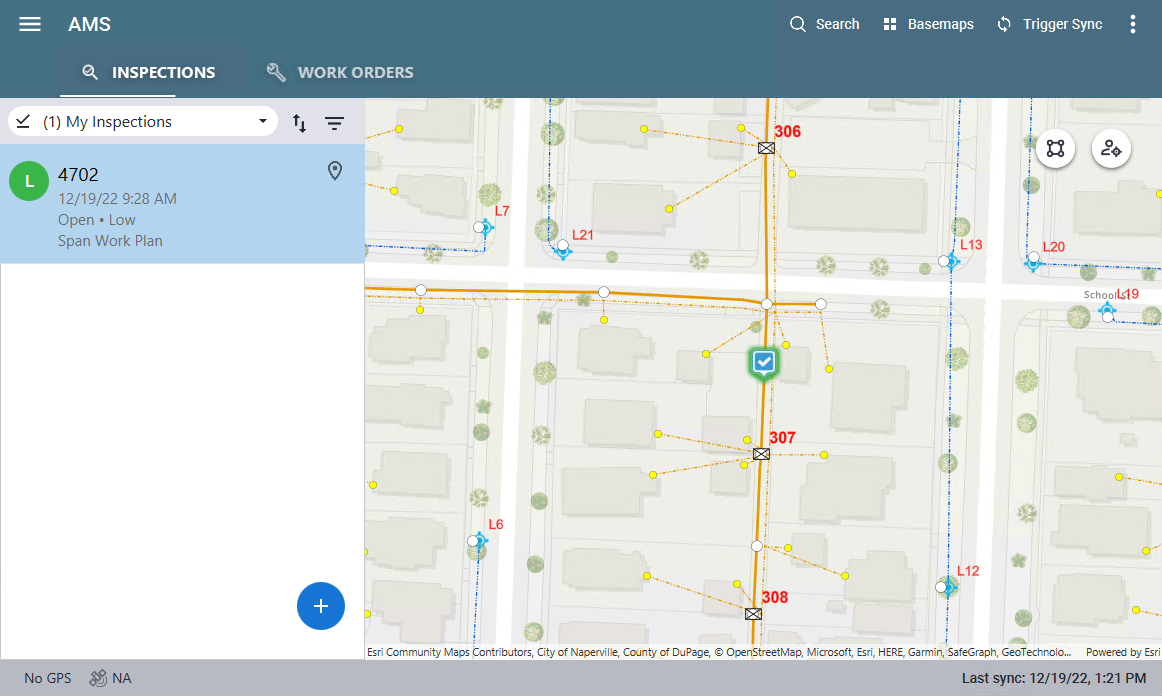
From the Inspection Details Page
- Select an inspection from the list.
The inspection details open.
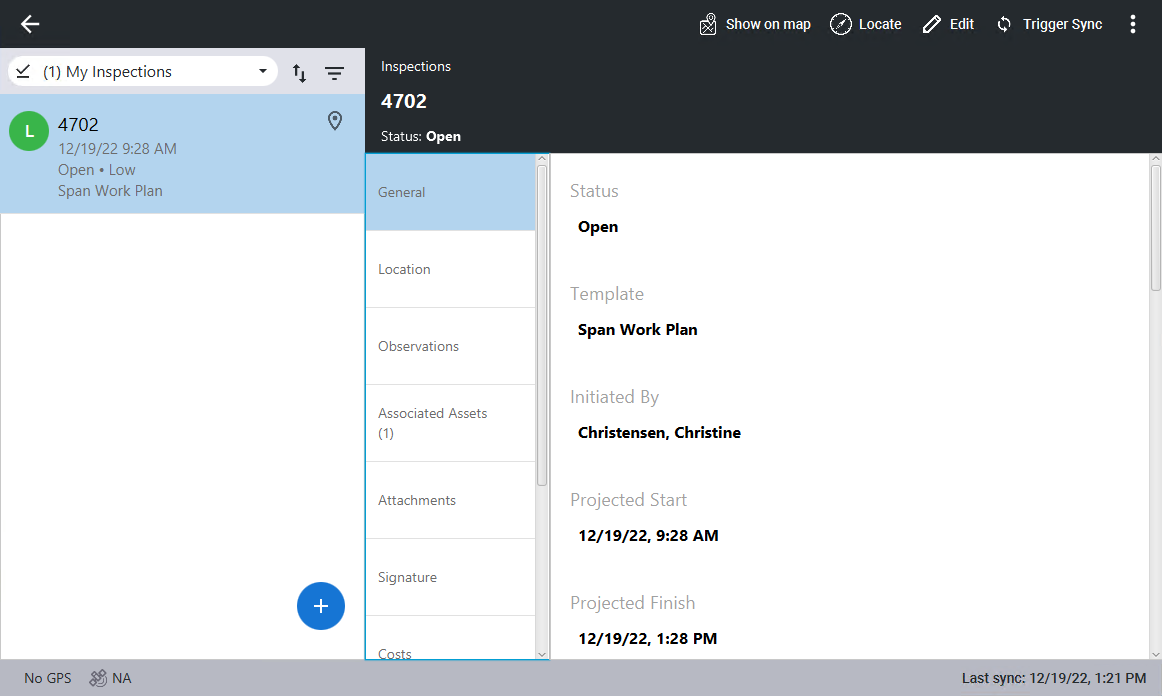
- Click Associated Assets.
Any attached asset displays.
- Click the associated asset to view the asset details.
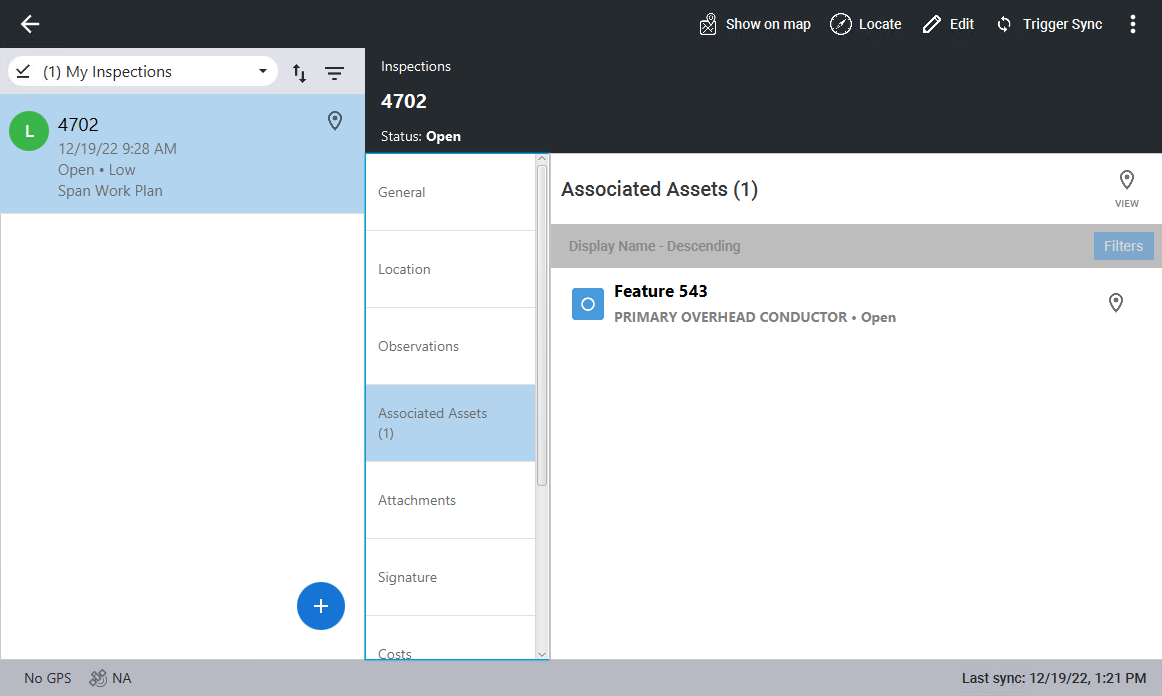
- Click the map pin to the far right of the asset, click View at the top of the Associated Assets list, or click Show on map at the top of the page.
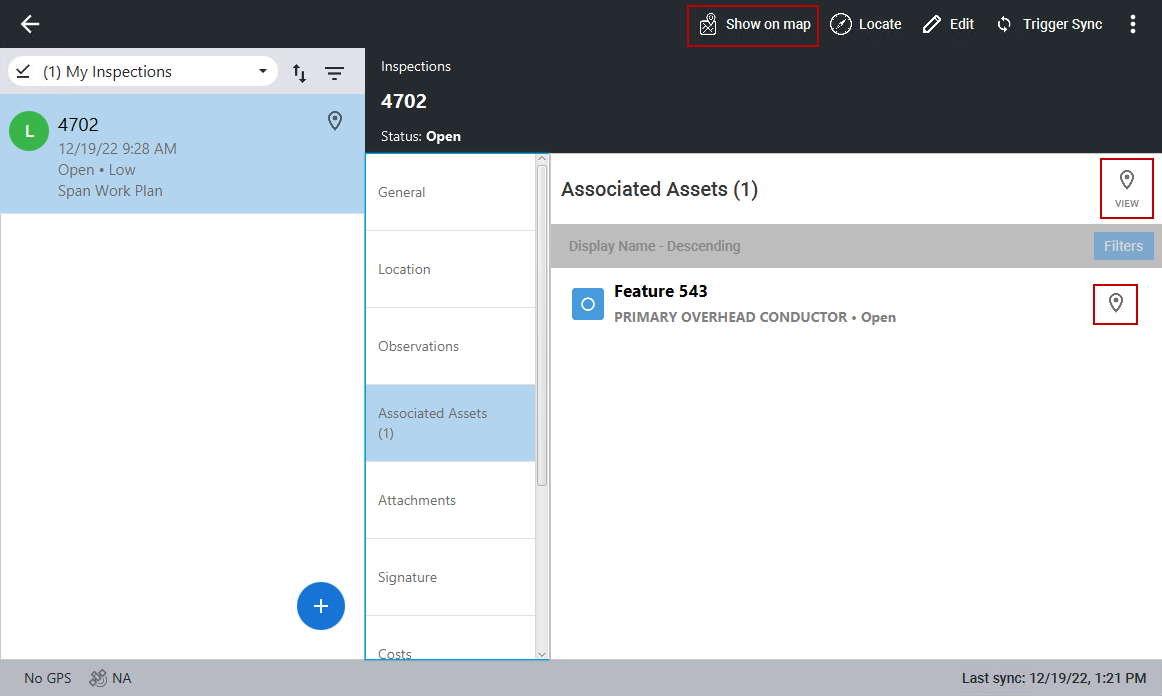
The map opens and a pin appears where the attached asset is located.