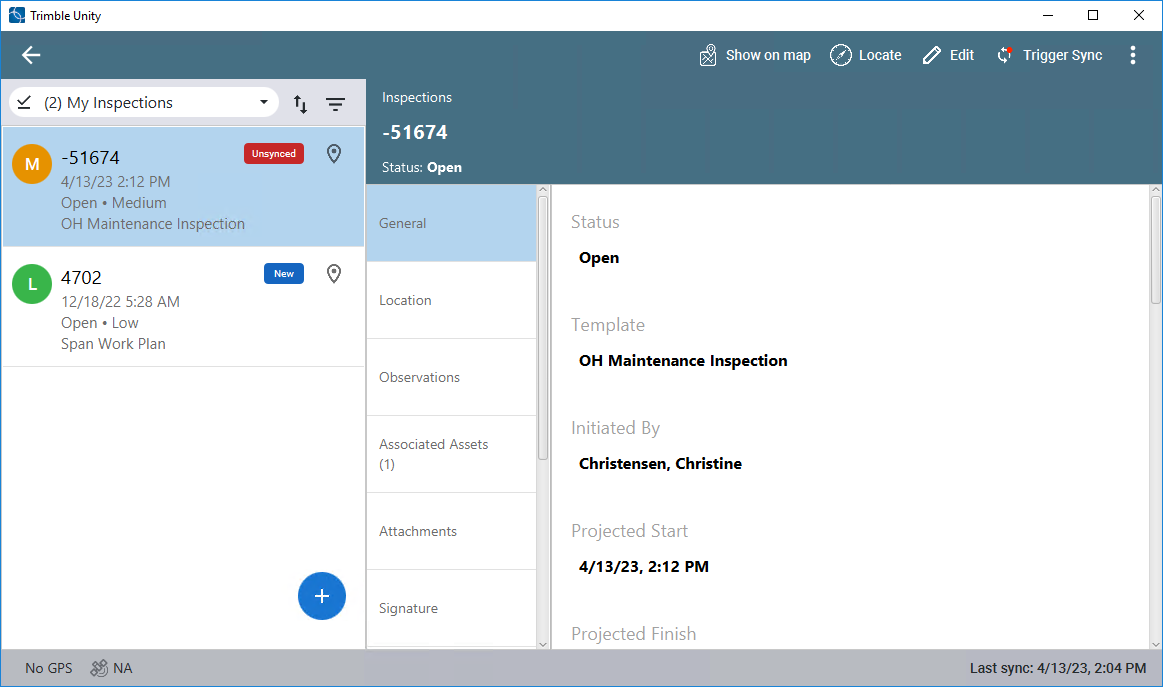
Create an Inspection
Inspections can be created from the Trimble Unity mobile app.
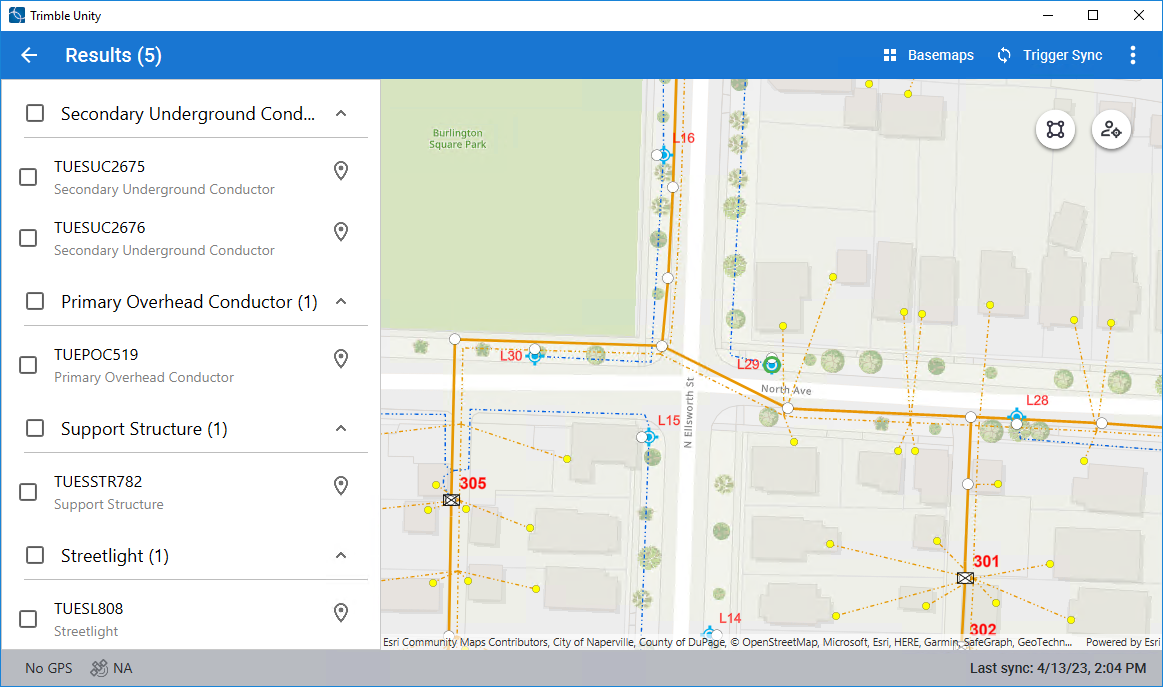
- Select the asset on the map.
- In the Results list, select the desired asset. If multiple assets are selected, an inspection is created for each selected asset.
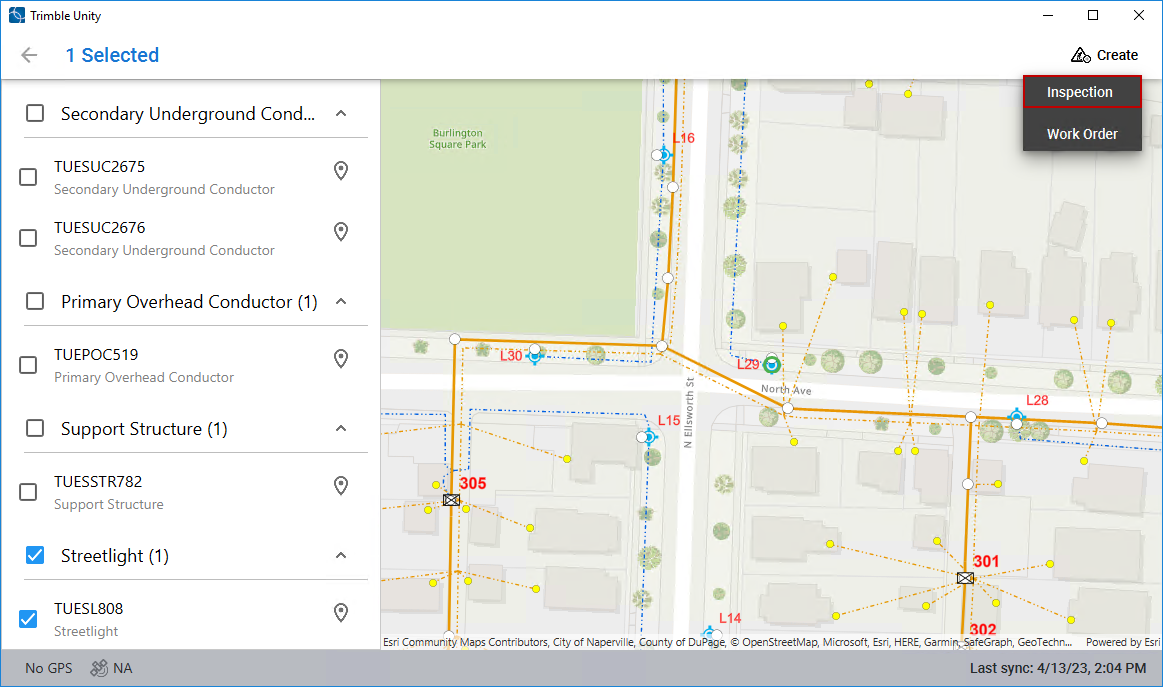
- Click Create and click Inspection.
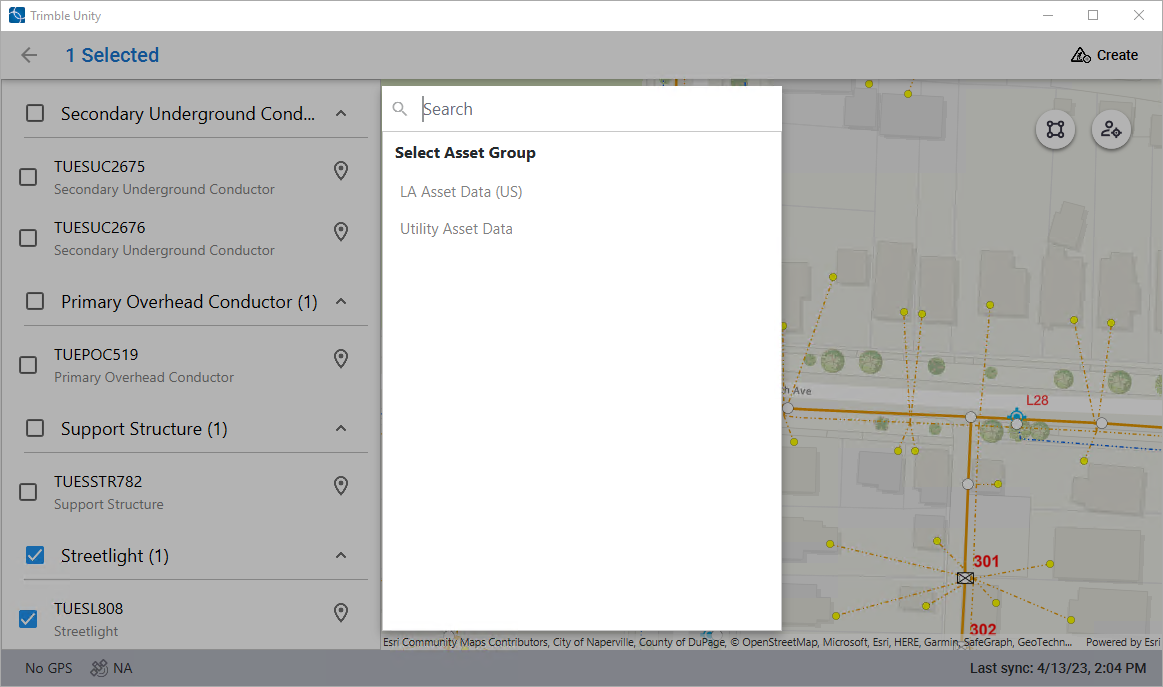
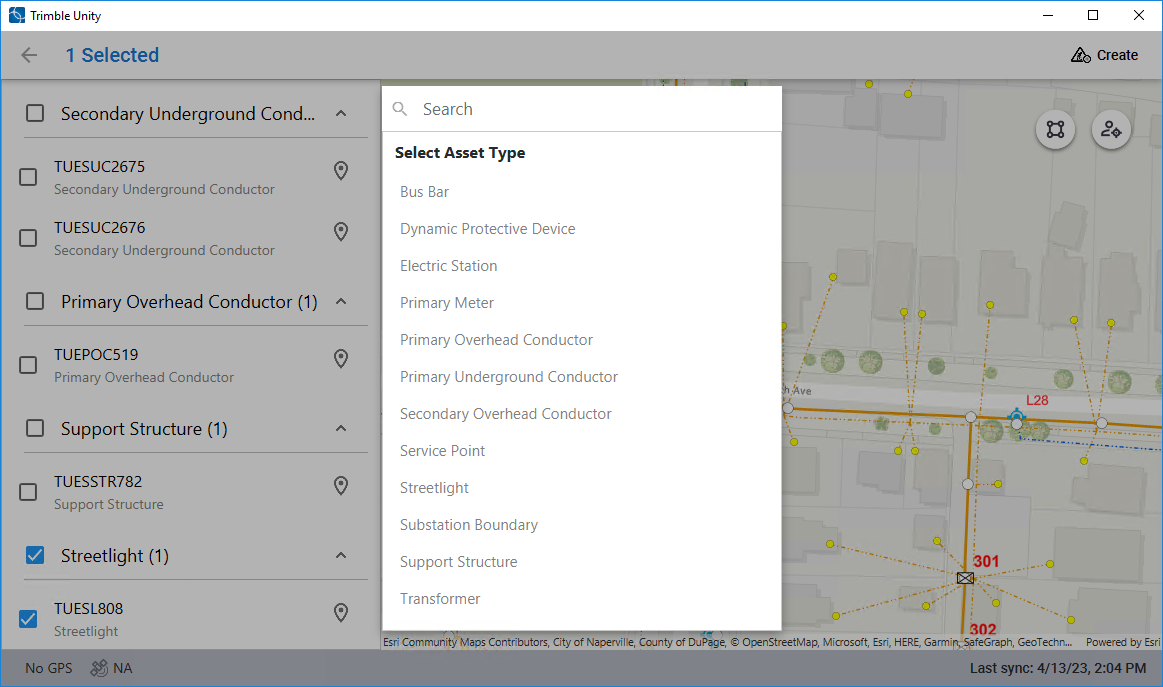
- Select the asset group.
- Select the asset type.
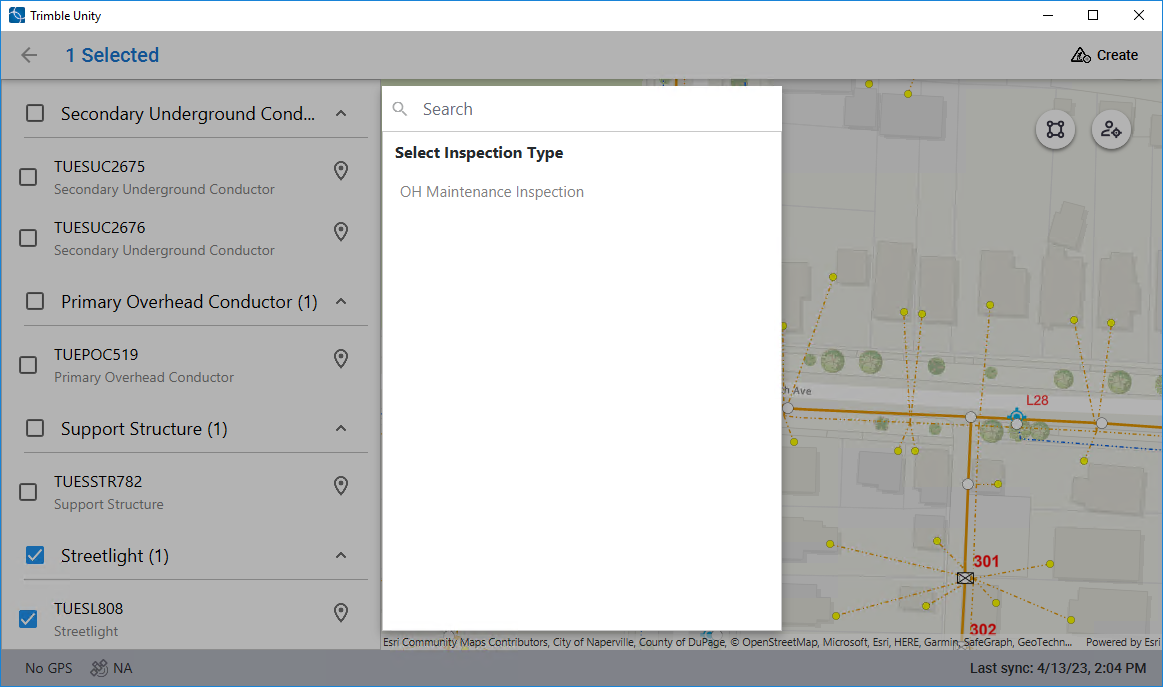
- Select the inspection type. This is also known as the inspection template.
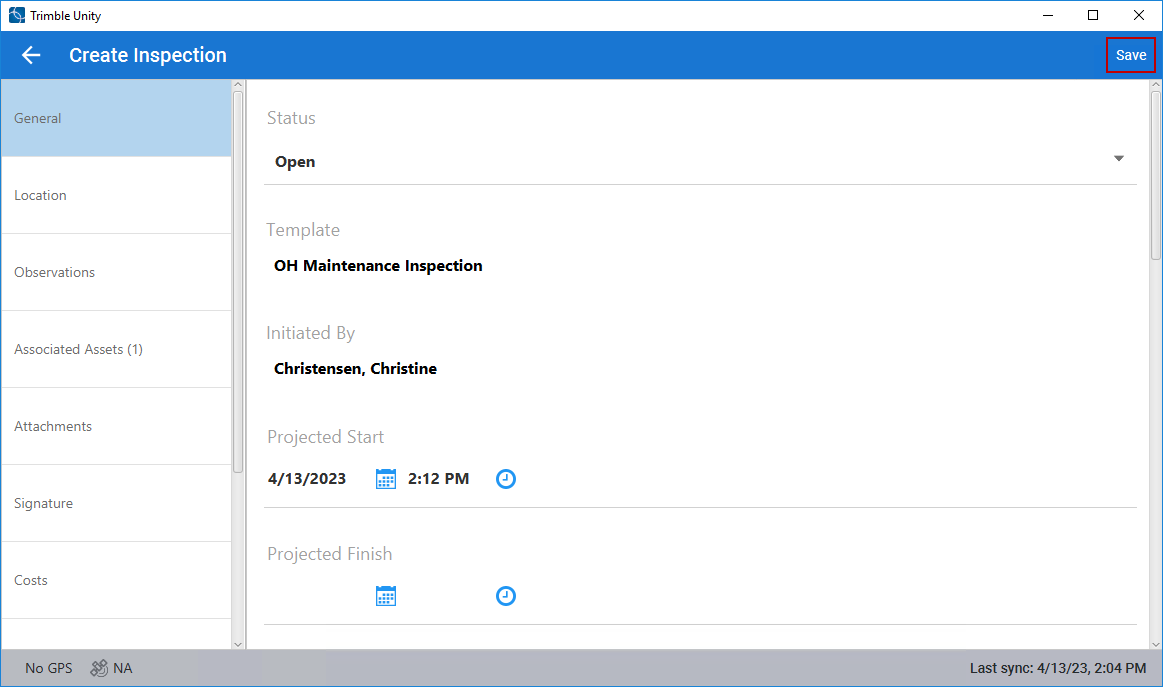
The inspection shows once it is created. Some fields are automatically populated based on the selected inspection template. If multiple assets were selected, the individual inspections appear as drafts in the inspection list.
- Enter any inspection information and click Save.
The inspection is unsynced.
- Click Trigger Sync to sync the inspection.