Add a Signature
Signatures can be added to service requests.
- Select a service request from the list.
The service request details open.
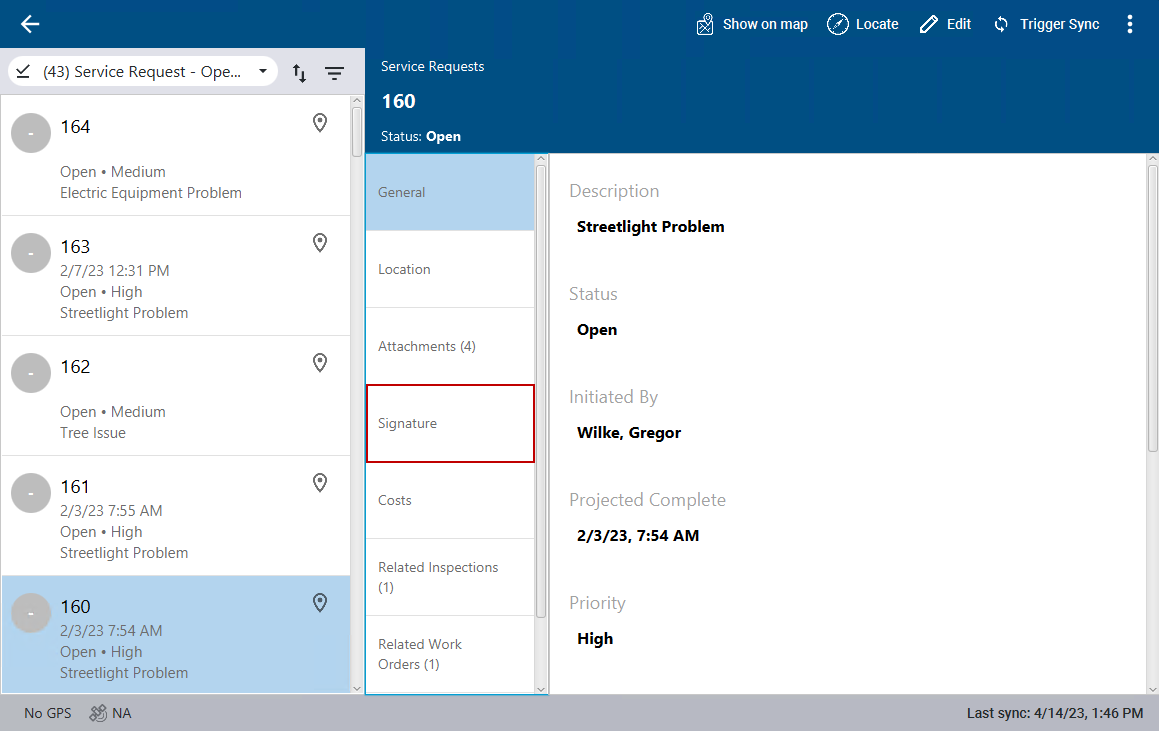
- Click Signature.
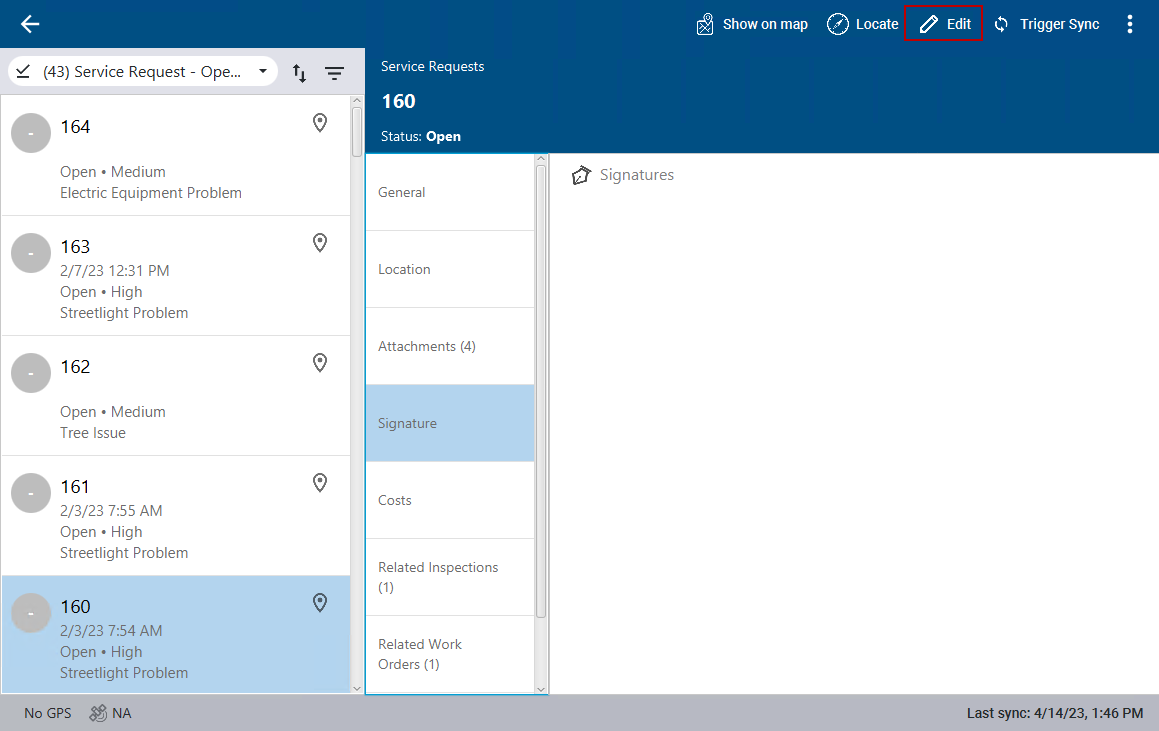
- Click Edit in the top-right corner. If you are already in edit mode, you don't need to click Edit.
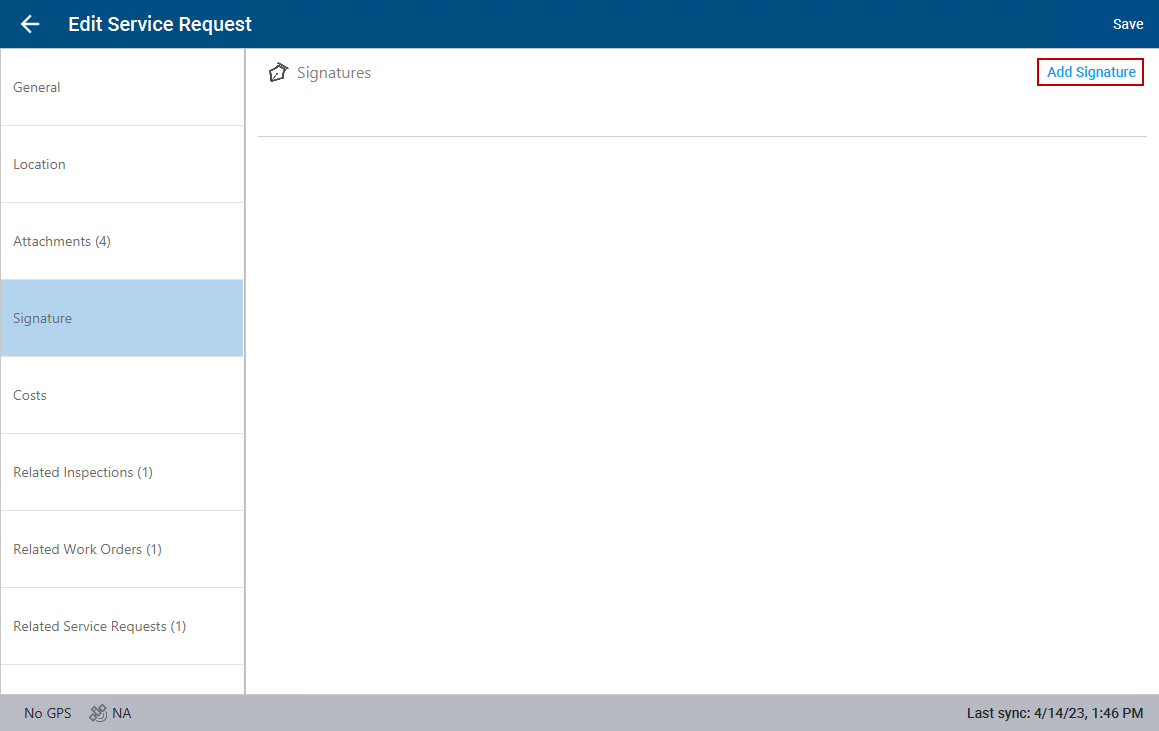
- Click Add Signature.
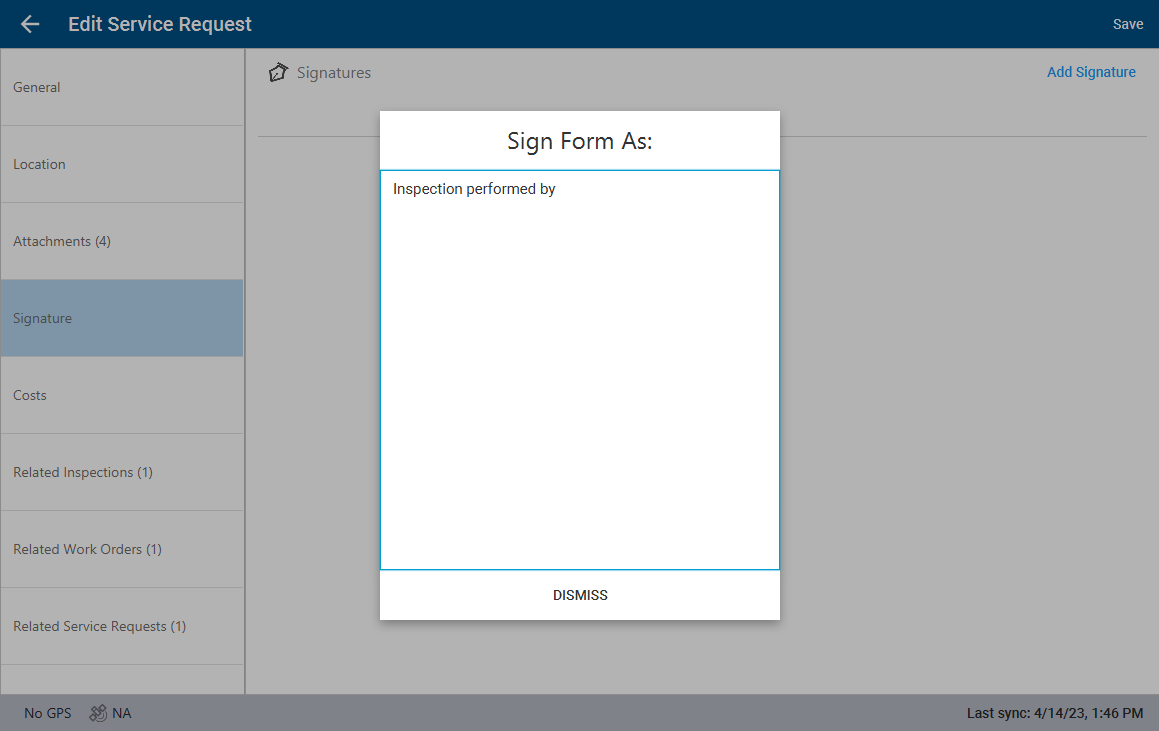
- Select who will be signing the service request.
- Sign and click Save.
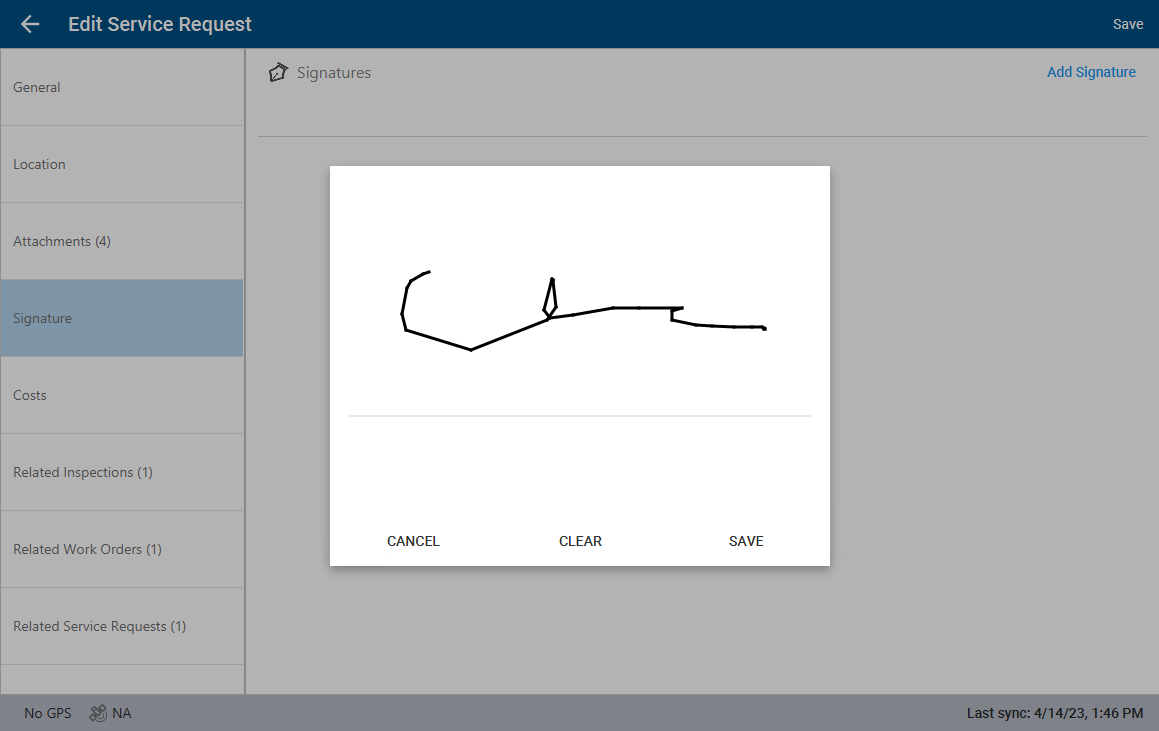
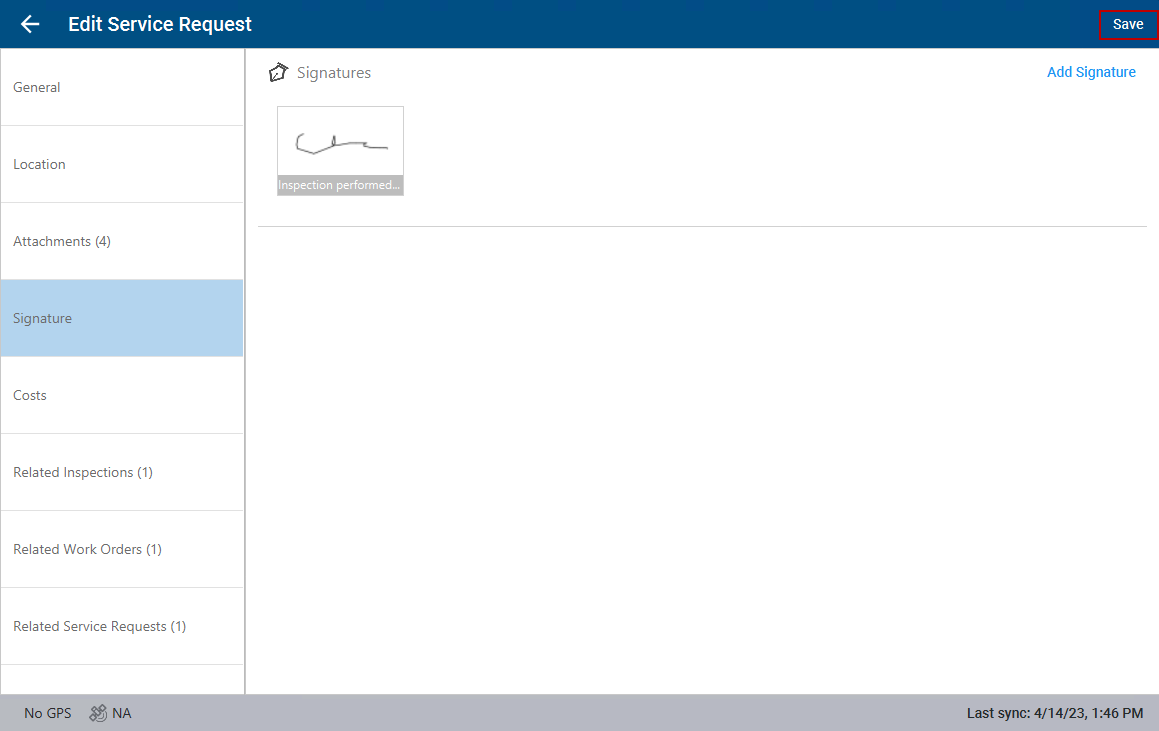
The signature shows on the service request.
- Click Save.